English
Multi-Account Social Media Management: The Complete Guide
A practical guide to managing multiple social media accounts safely and at scale. Covers account isolation, warm-up routines, AI automation and the three-layer stack that keeps accounts alive.

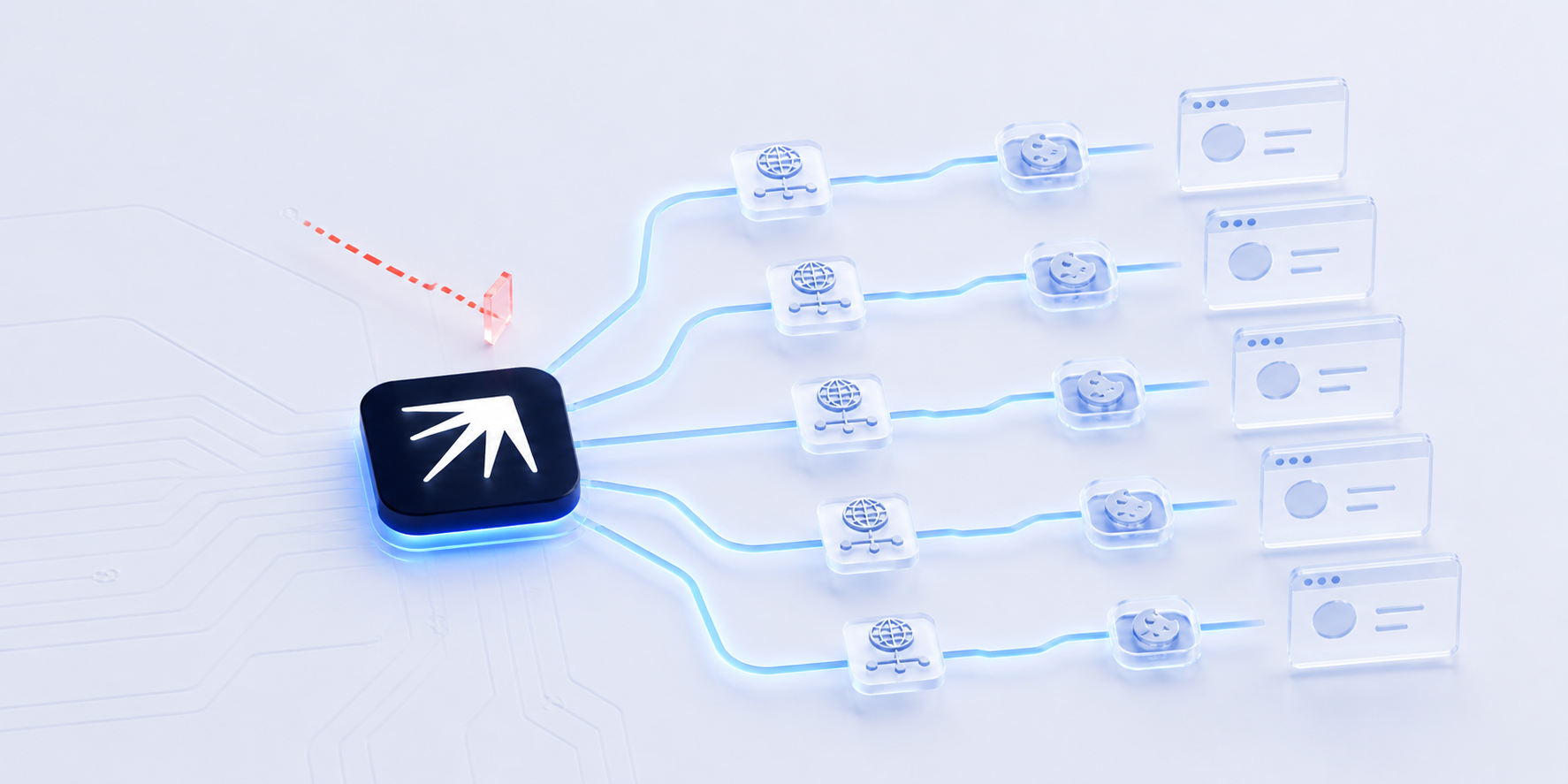
Managing multiple social media accounts safely requires three things: isolated browser profiles with unique fingerprints per account, structured warm-up routines, and AI automation that maintains human-like behavior across all accounts. Without proper isolation, platforms detect shared fingerprints and ban linked accounts within days.
Managing multiple social media accounts is not a workaround or a grey area. Agencies run accounts for dozens of clients. Franchises need a profile per location. Growth teams test messaging across separate brands. The challenge is not whether you should do it but how to do it without getting every account banned in the same week.
Most guides on multi-account social media management recommend a scheduling tool and call it done. That advice breaks the moment a platform detects three accounts sharing the same browser fingerprint, the same IP address or the same cookies. Schedulers handle publishing. They do not handle isolation.
This guide covers the full stack: what platforms detect, how to isolate accounts properly, how to warm them up and how to automate the work with AI agents so you are not logging into 50 profiles manually every morning.
Why Marketers Run Multiple Social Media Accounts
Before getting into how, here is why this is normal and necessary.
Client work. Agencies manage accounts for 10, 50 or 200 clients across Instagram, X, LinkedIn, Facebook, TikTok and Reddit. Each client is a separate brand with separate credentials. There is no way around multiple accounts.
Regional brands. A franchise with locations in 30 cities needs 30 Instagram profiles, 30 Facebook pages and 30 Google Business listings. One central account does not work because local audiences expect local content.
Brand segmentation. A SaaS company might run a main brand account, a support account, a founder's personal brand and a community meme account. Each serves a different audience with a different tone.
Growth testing. Marketers testing cold outreach, community seeding or influencer engagement often run separate accounts to avoid risking the main brand profile.
None of this violates platform terms of service when done transparently. Platforms allow businesses to operate multiple accounts for legitimate purposes. What triggers bans is not the number of accounts but how they are set up and operated: shared fingerprints, shared IPs, identical content and behavior that no real person would produce.
What Platforms Actually Detect
Social media platforms use several signals to identify linked accounts and flag suspicious behavior. Understanding these is the foundation of safe multi-account management.
Browser fingerprinting. Every browser has a unique combination of screen resolution, installed fonts, WebGL renderer, timezone, language settings and dozens of other attributes. When two accounts share the exact same fingerprint, platforms know they are on the same machine.
IP address tracking. Multiple accounts logging in from the same IP address, especially a datacenter IP, get flagged immediately. Residential IPs from real internet providers are safer but still raise flags if too many accounts share one.
Cookie and session linking. Platforms store persistent cookies that survive clearing your browser history. If account A and account B share cookies from the same browsing session, they are linked. Incognito mode does not fully solve this.
Behavioral patterns. Logging into 15 accounts within 10 minutes, posting identical content across all of them or following the same 500 users from each account creates patterns that automated detection systems catch instantly.
Device identifiers. Mobile platforms track hardware IDs, SIM information and app installation data. Desktop platforms track hardware-level identifiers through the browser.
Account delegation and access logs. Some platforms track who has access to an account and from where. X (Twitter) lets you add delegates to a profile without sharing login credentials. If you use delegation for some accounts but log in directly for others, the mix of access methods is itself a signal. Platforms can see whether an account is operated by its owner or by a third party, how many accounts a single delegate controls and whether the same device session switches between delegated and direct access. Using official delegation features (like X's account delegates, Meta Business Suite for Facebook and Instagram, or LinkedIn company page admins) is safer than sharing passwords, but it does not eliminate fingerprinting or IP-based detection.
For a deeper look at how platforms detect automation and how to stay ahead, see how platforms approach detection.
The Three Layers of Multi-Account Management
Most tools solve one piece of the puzzle. A complete multi-account setup needs three layers working together.
Layer 1: Scheduling and Publishing
Scheduling tools like Hootsuite, Buffer and Sprout Social handle content calendaring, cross-platform publishing and basic analytics through official platform APIs. They are legitimate, well-supported and useful for managing publishing workflows across multiple brand accounts.
What they cover: scheduling posts, monitoring mentions, team collaboration, reporting.
Where they fall short: API-based tools operate within official platform limits. They cannot manage direct messages at scale, perform account warm-up, run engagement workflows like commenting or following or bypass platform restrictions on how many accounts one user can operate. For tasks that require direct browser interaction, schedulers are not enough.
Layer 2: Account Isolation
This is where most multi-account operations fail. Account isolation means each profile runs in its own environment with a unique browser fingerprint, a unique IP address and its own cookies and session data. No shared signals between accounts.
Anti-detect browsers handle this layer. They create isolated browser profiles where each one appears as a completely different device connecting from a completely different location.
What isolation requires:
- Separate browser profiles with unique fingerprints per account
- Residential proxy assignment (one IP per account or small group)
- Isolated cookie and local storage per profile
- Separate login sessions that never cross-contaminate
For a detailed comparison of open-source tools that handle isolation, see open-source anti-detect browser alternatives.
Layer 3: AI Agent Automation
Even with scheduling and isolation handled, the daily work of managing 50+ accounts is crushing. Logging into each profile, posting, engaging with comments, warming up new accounts, monitoring competitors, responding to DMs. A human cannot do this across dozens of profiles without cutting corners.
AI agents automate the repetitive browser work. They log into each profile, execute tasks like a human would (scrolling, clicking, typing, waiting) and handle the workflows that schedulers cannot reach.
Nextbrowser sits at this layer. It orchestrates browser profiles, proxies and AI agents into automated workflows. You describe what you want done, the AI agent picks the right tools, runs the task across your accounts and if something breaks (a proxy fails, a CAPTCHA appears, a session expires), it retries with a different approach automatically.
For a deeper look at how AI agents handle social media work, see AI social media manager: how agents run your accounts.
How to Set Up a Safe Multi-Account Workflow
Here is a practical workflow for going from zero to running 50+ accounts safely.
1. Separate your accounts from day one
Create each account on its own browser profile with its own proxy. Never create multiple accounts from the same IP or browser session. Use unique email addresses (not aliases from the same domain) and unique phone numbers where possible.
2. Warm up every account before doing real work
New accounts need 10 to 14 days of passive activity before they can post, comment or send messages at scale. Start with browsing and reading. Progress to likes and follows. Then light commenting. Then original posts.
Rushing this step is the single most common reason accounts get banned. An account that goes from creation to posting 10 times a day in 48 hours looks exactly like a spam bot.
For step-by-step warm-up routines, see account warm-up guide for beginners and how to warm up your Facebook account.
3. Assign dedicated proxies
Each account (or small group of 2 to 3 related accounts) should have its own residential proxy. Residential proxies from real ISPs achieve 95 to 99% success rates on social platforms compared to 20 to 40% for datacenter proxies. Rotate proxies only within the same geographic region to avoid triggering location-based alerts.
4. Vary your content and behavior
Never post identical content across multiple accounts. Even slight variations (different captions, different hashtags, different posting times) help. Each account should have its own content calendar and engagement pattern.
A reasonable rule: schedule 70% of posts a week ahead and leave 30% for real-time engagement, trend participation and spontaneous interaction that makes the account look human.
5. Automate with AI agents
Once accounts are warmed up and isolated, set up AI agent workflows for the repetitive tasks: daily engagement (likes, comments, follows), content posting on schedule, DM responses, competitor monitoring and reporting.
Nextbrowser handles this by running each task inside its own isolated browser profile. The AI agent navigates the platform like a real user, with human-like timing and behavior patterns. If a session expires or a CAPTCHA appears, the system retries automatically.
Common Mistakes That Get Accounts Banned
Skipping warm-up. The biggest killer. Accounts that start posting or sending DMs within hours of creation get flagged immediately. Budget two weeks minimum.
Sharing fingerprints. Using the same browser (even in incognito) across multiple accounts links them together. Each account needs its own profile with a unique fingerprint.
Using datacenter proxies. Cheap datacenter IPs are already flagged by most platforms. Residential proxies cost more but they work. The difference between 40% and 99% success rates is worth the cost.
Posting identical content. Copy-pasting the same text across 20 accounts triggers duplicate content detection instantly. Write variations or use AI to generate unique versions for each account.
Doing too much too fast. 200 follows in an hour, 50 DMs in a day, 30 posts back-to-back. Platforms have rate limits and any behavior that exceeds normal human patterns gets throttled or banned.
FAQ
Is it legal to manage multiple social media accounts?
Yes. Platforms allow businesses to operate multiple accounts for legitimate purposes such as managing client accounts, regional brands or separate business units. What violates terms of service is using multiple accounts for deceptive practices like fake reviews, coordinated manipulation or evading previous bans.
What is the best tool for managing multiple social media accounts?
There is no single tool that covers everything. Schedulers handle publishing. Anti-detect browsers handle account isolation. AI agent platforms like Nextbrowser handle automation and orchestration. The most effective setup combines all three layers.
How many social media accounts can one person manage?
With manual workflows, 5 to 10 accounts is realistic. With a scheduler, 20 to 30. With full isolation and AI automation, teams regularly manage 50 to 200+ accounts. The bottleneck is not the tools but the content strategy and response workflows behind them.
Do I need an anti-detect browser for multi-account management?
If you are managing more than 3 to 5 accounts on the same platform, yes. Regular browsers share fingerprints, cookies and session data across tabs and windows. Anti-detect browsers create isolated profiles that prevent platforms from linking your accounts together.
How long does it take to warm up a new social media account?
Plan for 10 to 14 days of gradual activity. Start with passive browsing (days 1 to 3), move to light engagement like likes and follows (days 4 to 7), then progress to commenting (days 8 to 10) and finally original posting (days 11 to 14). Accounts that follow this routine are significantly less likely to face restrictions in their first 30 days.
Try Nextbrowser
Nextbrowser is a free, open-source desktop app that orchestrates browsers, proxies and AI agents into multi-account automation workflows.
- Download and install: GitHub Releases (Mac, Windows, Linux)
- Star the repo: nextbrowser-oss/nextbrowser-app
- Join the community: Discord
 Nextbrowser TeamHow to Manage Multiple Instagram Accounts and Grow Them AllLearn how to manage multiple Instagram accounts without getting banned or burning out emotionally. Covers native limits, tool tiers and how AI agents scale account growth to 50+ profiles.
 Nextbrowser TeamAI Social Media Manager: How AI Agents Run Your Accounts While You ChillMost AI social media tools are schedulers with a chatbot bolted on. Real AI agents operate your accounts autonomously: logging in, scrolling, posting and engaging across dozens of profiles simultaneously.
 Nextbrowser TeamAI Social Media Monitoring: From Detection to ResponseSocial media monitoring is not about dashboards. It is about finding conversations that matter and responding before competitors do. Learn the five-step workflow and how AI browser agents run it across platforms.