Start from a controlled profile
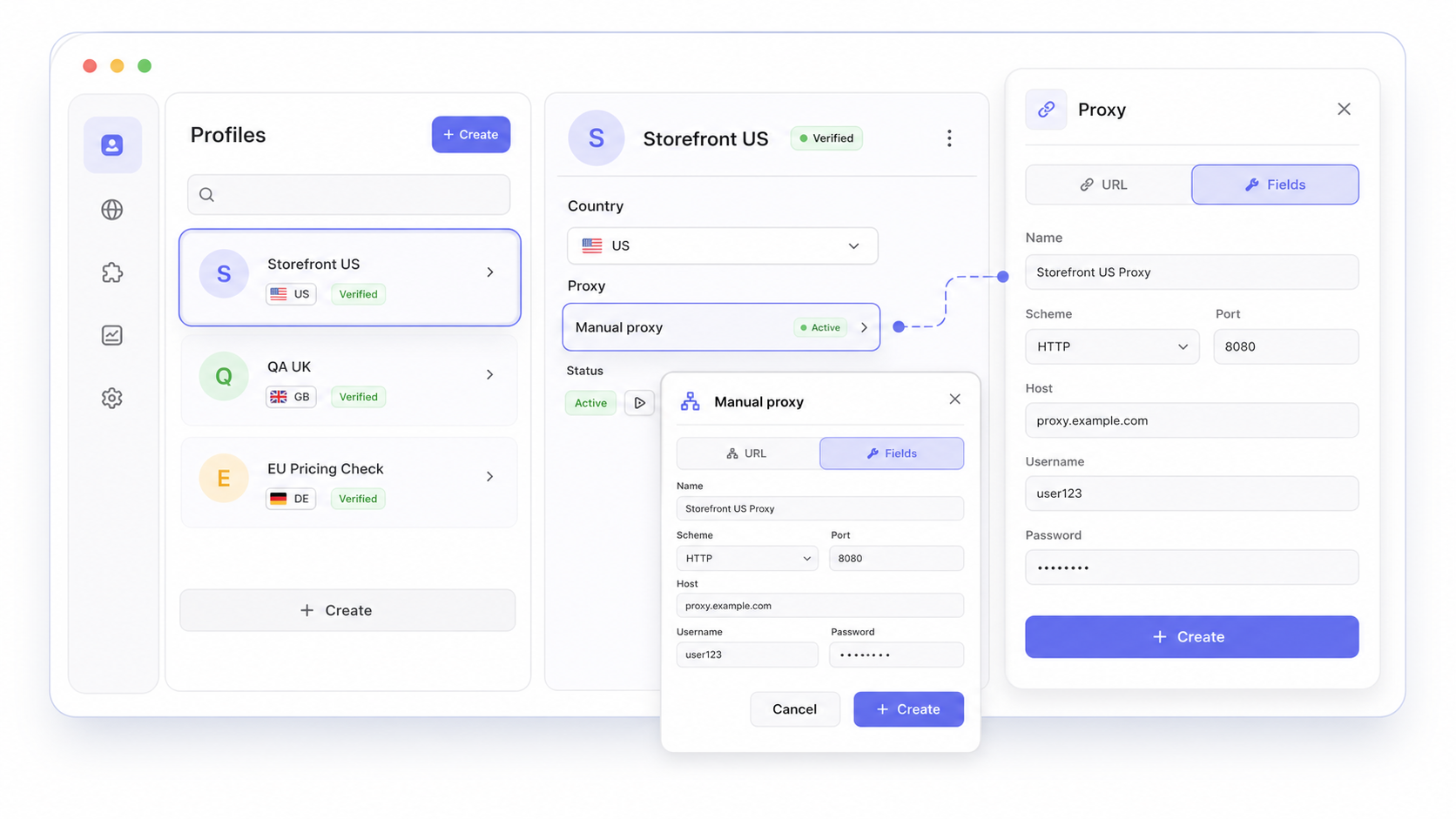
Create a separate profile for staging, production checks, a customer environment, or a specific region.
Keep cookies, storage, proxy settings, and browser state separated between test scenarios.
 Nextbrowser
For developers, QA teams, and product engineers
Run real browser journeys with the same kind of profile, session, identity, and page state that your users encounter.
Download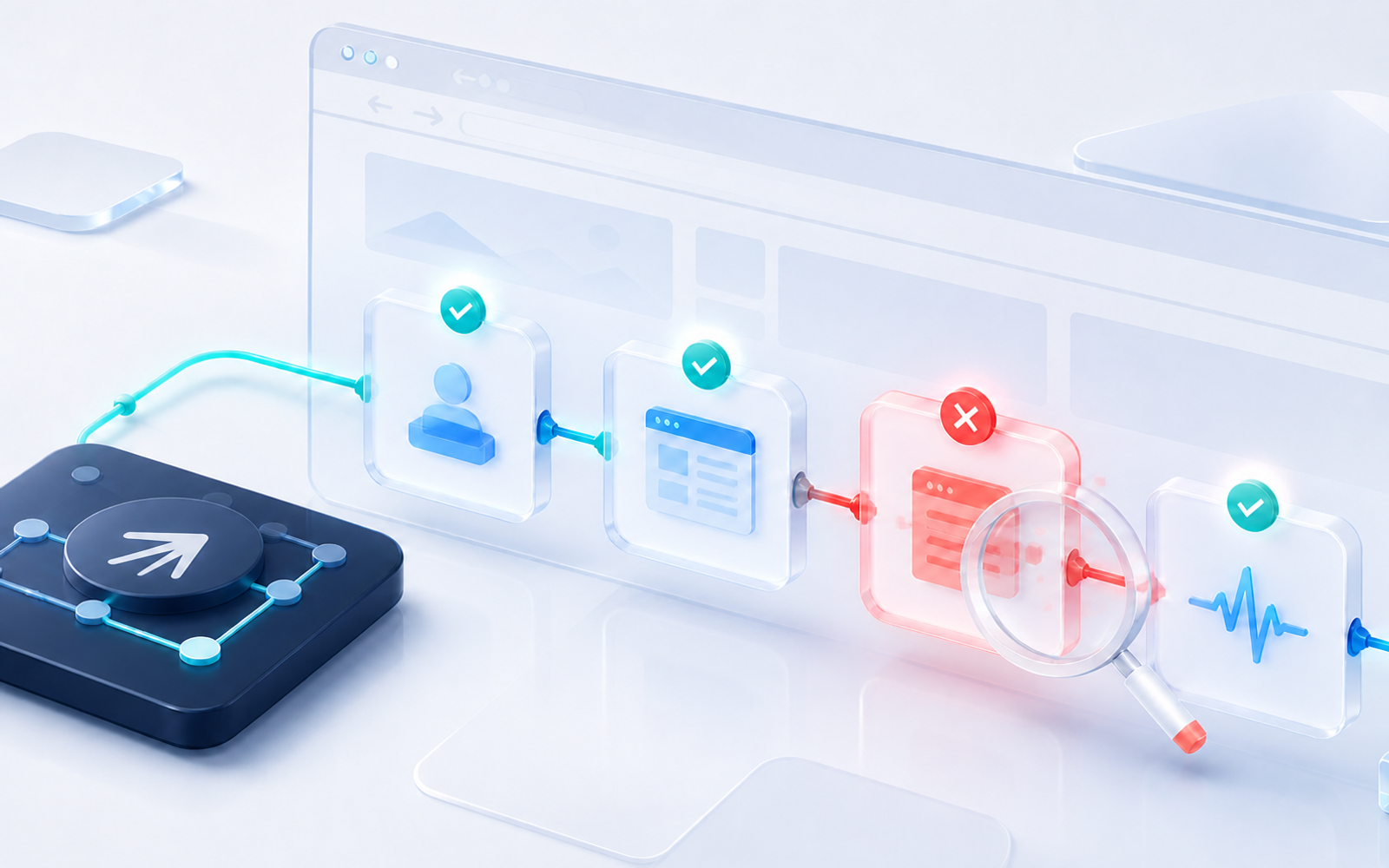
Our Customers






Create a separate profile for staging, production checks, a customer environment, or a specific region.
Keep cookies, storage, proxy settings, and browser state separated between test scenarios.
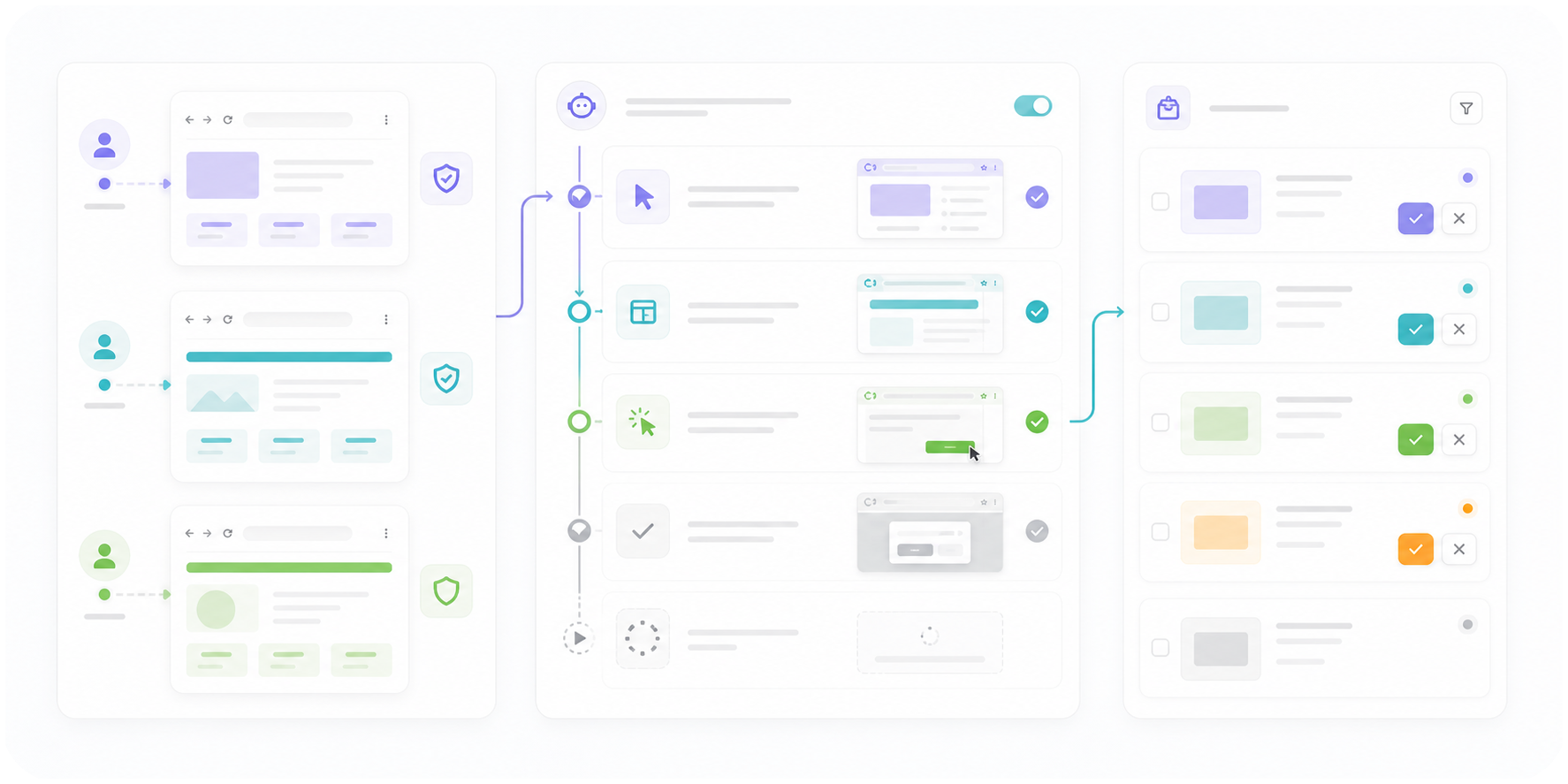
Connect a local agent for adaptive multi-step checks, or apply a reusable skill or custom script for a known flow.
Prepare the session before dispatch so the workflow starts on the intended page with the intended profile.
Select a country or proxy context when the flow depends on geography, localized pricing, or region-specific content.
Use identity verification and page diagnostics before treating a failing check as a product bug.
If the browser runs on your host machine, open the browser window directly and inspect the current page.
If it runs on a VPS or another remote machine, use Live Streaming to inspect the active browser, switch between tabs, and help the agent continue if a page changes, a step fails, or a CAPTCHA needs manual input.
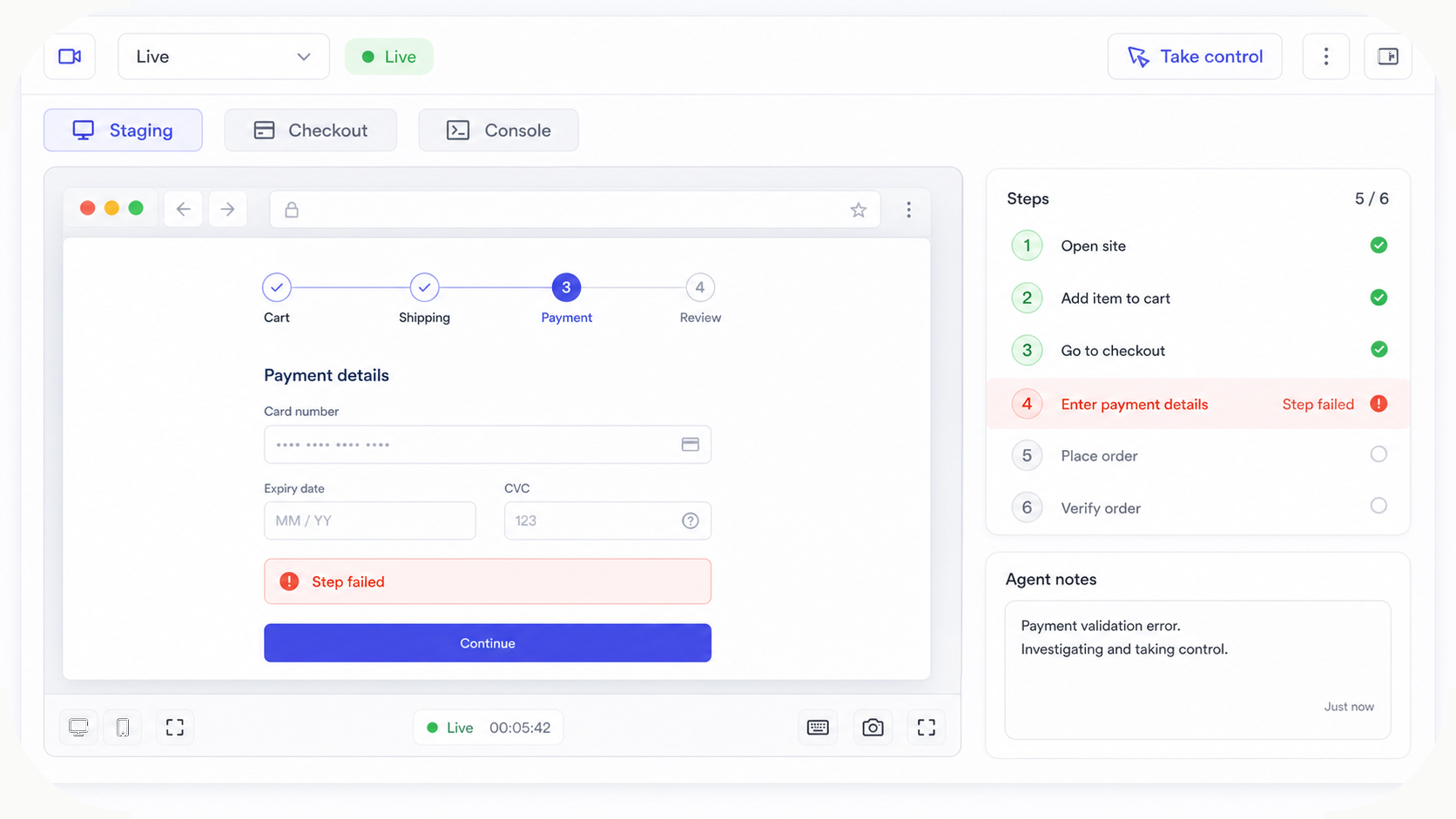
Watch a recorded task and follow the written guide.
Browse all demos →