





NextBrowser

For marketing, research, and strategy teams

Ad Intelligence and Marketing Research

Use a real browser session to research public campaigns, inspect landing pages, and keep competitive observations in a repeatable workflow.

Download

Our Customers

Company logoCompany logoCompany logoCompany logoCompany logoCompany logoCompany logoCompany logoCompany logoCompany logoCompany logoCompany logoCompany logoCompany logoCompany logoCompany logoCompany logoCompany logoCompany logoCompany logoCompany logoCompany logoCompany logoCompany logo

Build a research workflow around the web

Open the sources your team already uses

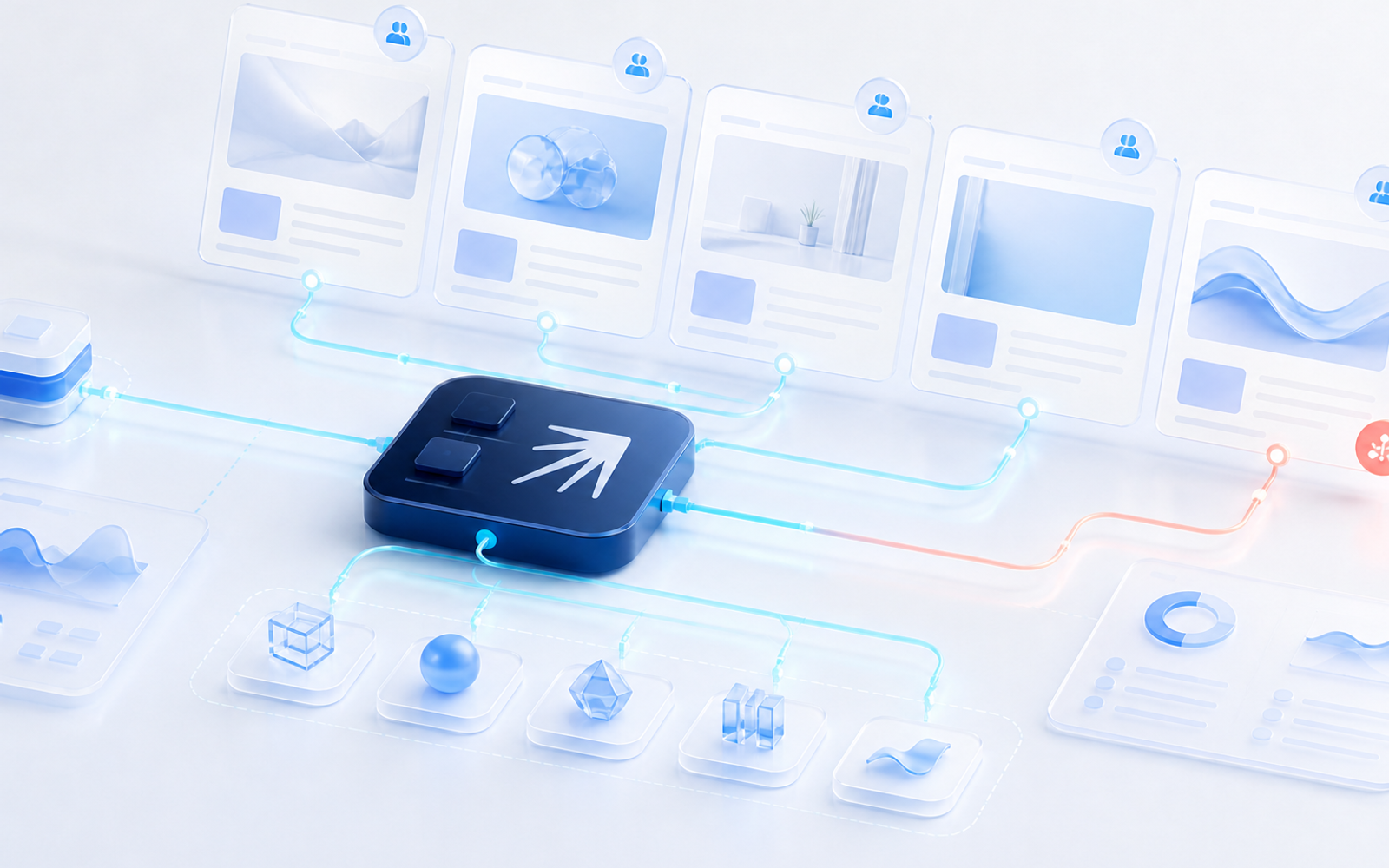
Give the agent a public ad library, competitor site, or campaign research task and let it navigate the visible web interface.

Use a dedicated profile when the workflow needs a separate session, locale, or login state.

Download

Capture the details that matter

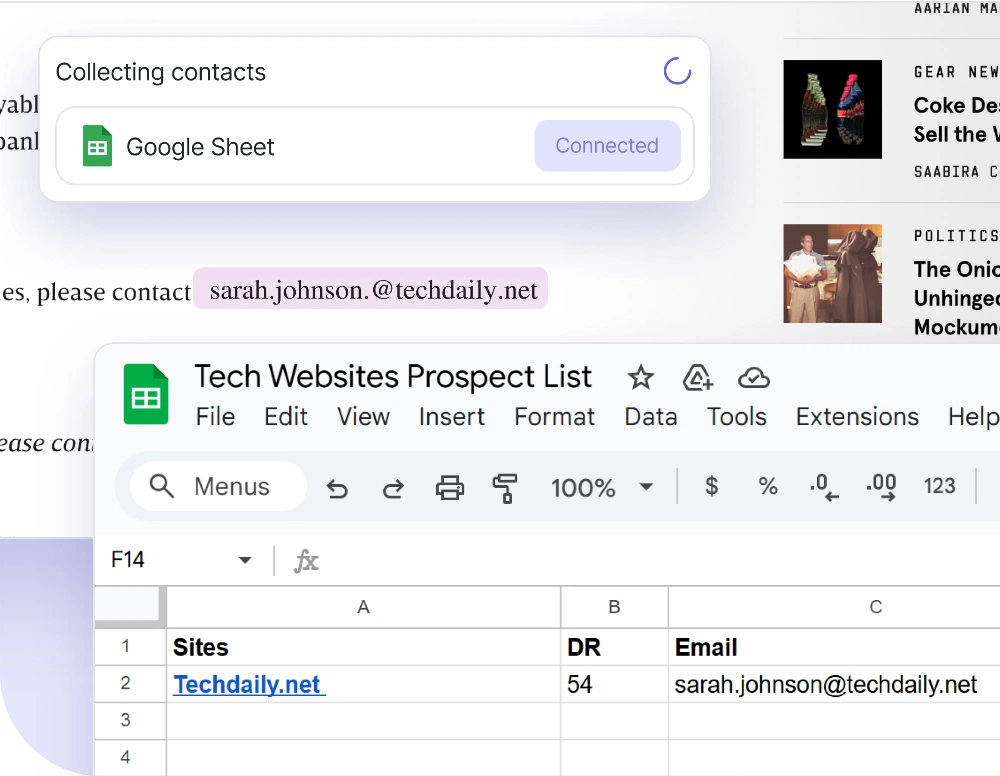
Collect ad copy, creative references, calls to action, landing page URLs, offer details, or other fields defined in the task.

Use a skill or custom script to keep the research steps consistent across runs.

Download

Compare pages over time

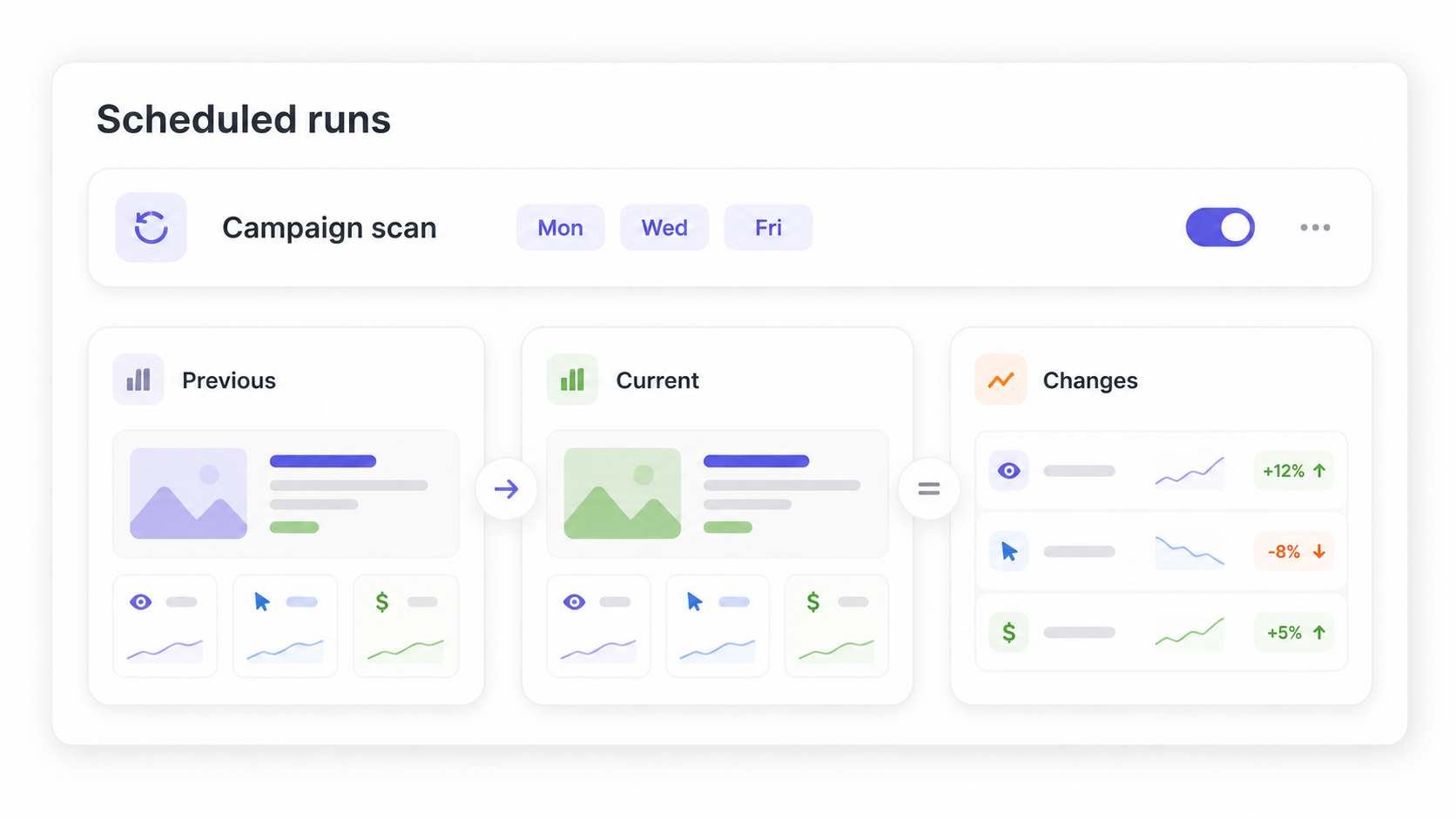
Schedule a recurring browser workflow while the desktop app is open and ask the agent to compare the new findings with saved prior results.

Keep the comparison logic in the workflow rather than assuming a built-in marketing intelligence database.

Download

Review and guide the run in Live Streaming

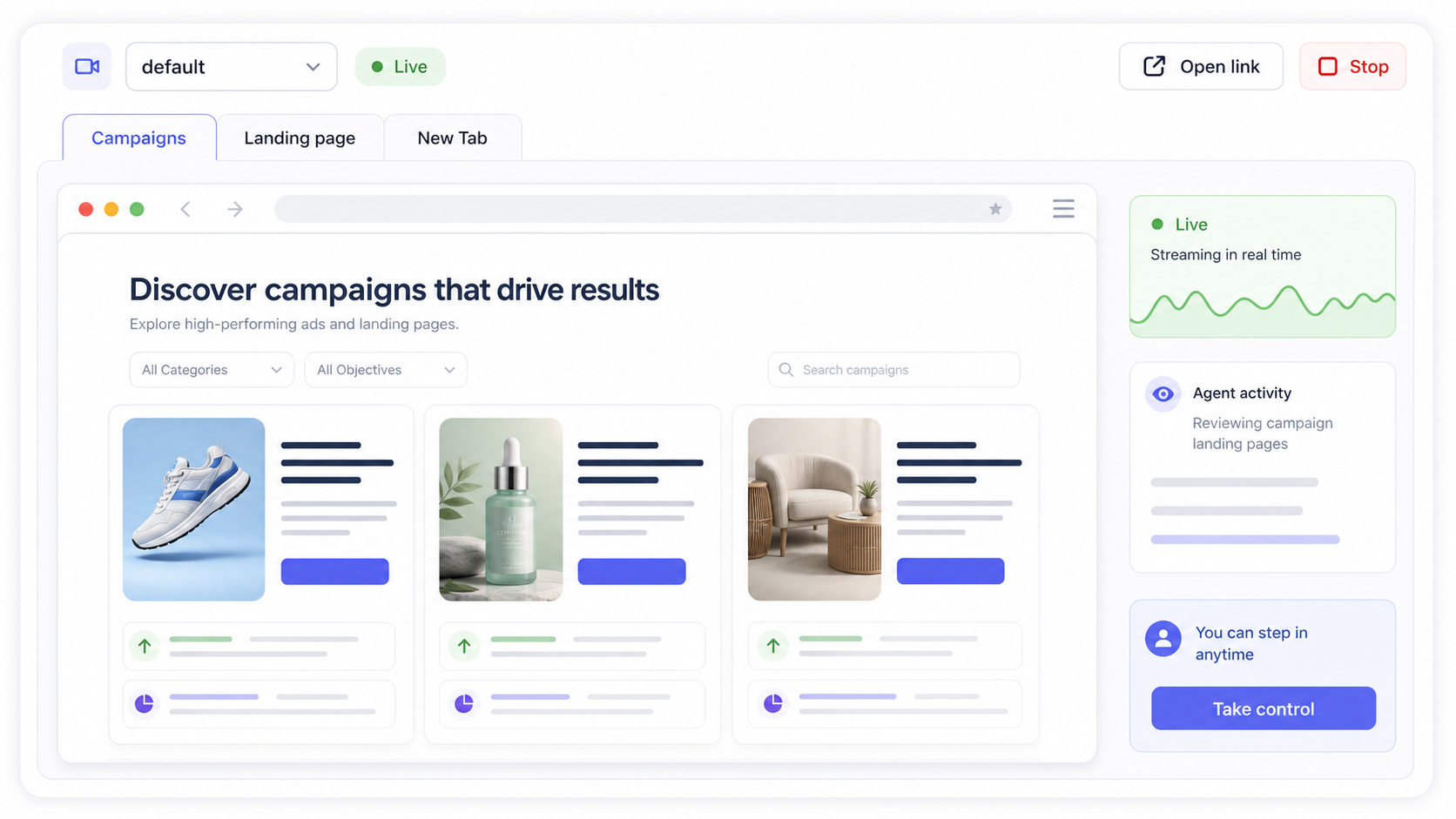
If the browser is running on your host machine, open the browser window directly and help the agent from the current page.

If the browser runs on a VPS or another remote machine, use Live Streaming to watch the session, switch tabs, click through the page, and help the agent continue without restarting the task.

Download

Do you have any questions?