For ecommerce, research, and operations teams
Price and Inventory Monitoring
Use a browser workflow to check prices, stock, sellers, and variants across the storefronts that matter to your operation.
DownloadMake recurring product checks easier to operate
Define exactly what to check
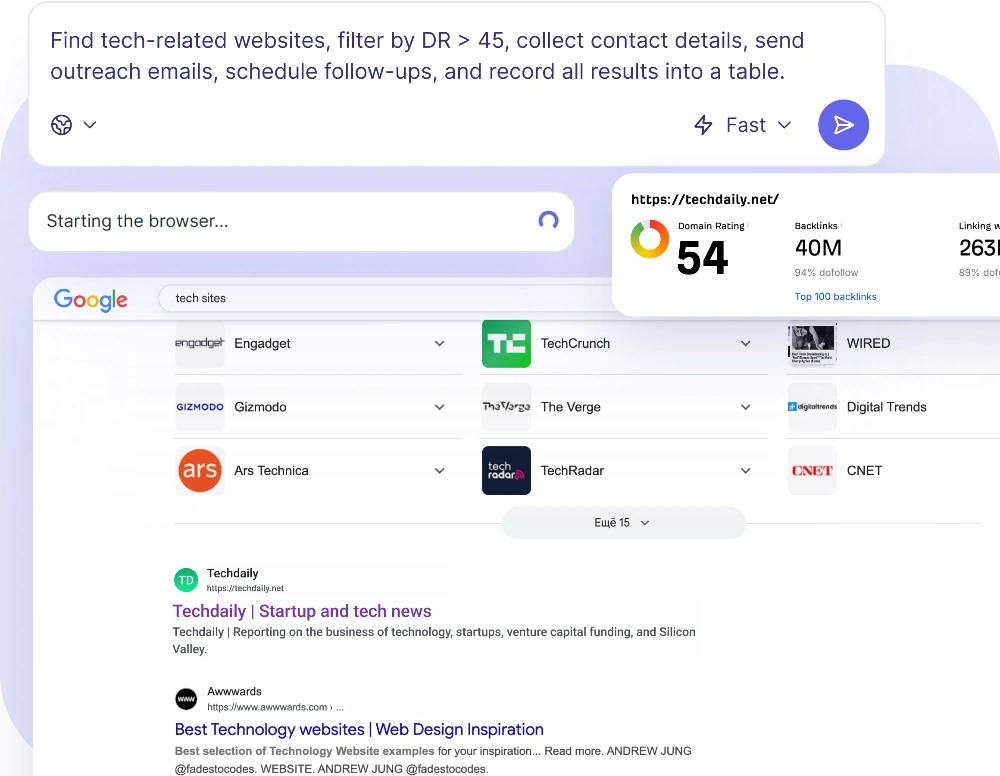
Give the agent target URLs or a search workflow and specify the fields to collect: price, stock status, seller, variant, or delivery details.
Keep the task-specific instructions in a reusable skill or custom script so each run starts from the same expectations.
Check regional storefronts
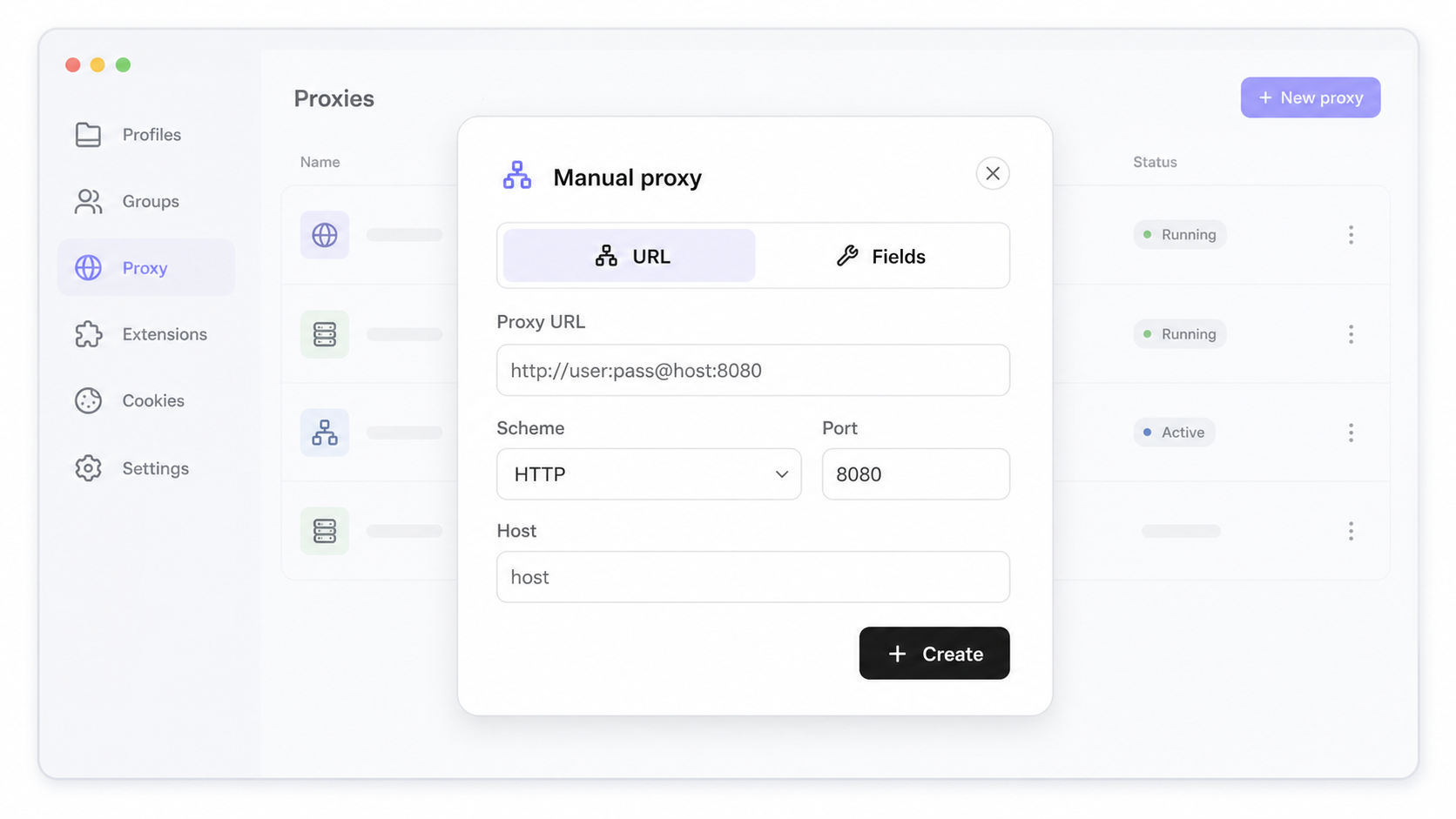
Use separate profiles and country or proxy settings when storefront content, pricing, or availability depends on location.
Verify the active browser identity before trusting a region-specific result.
Schedule local checks
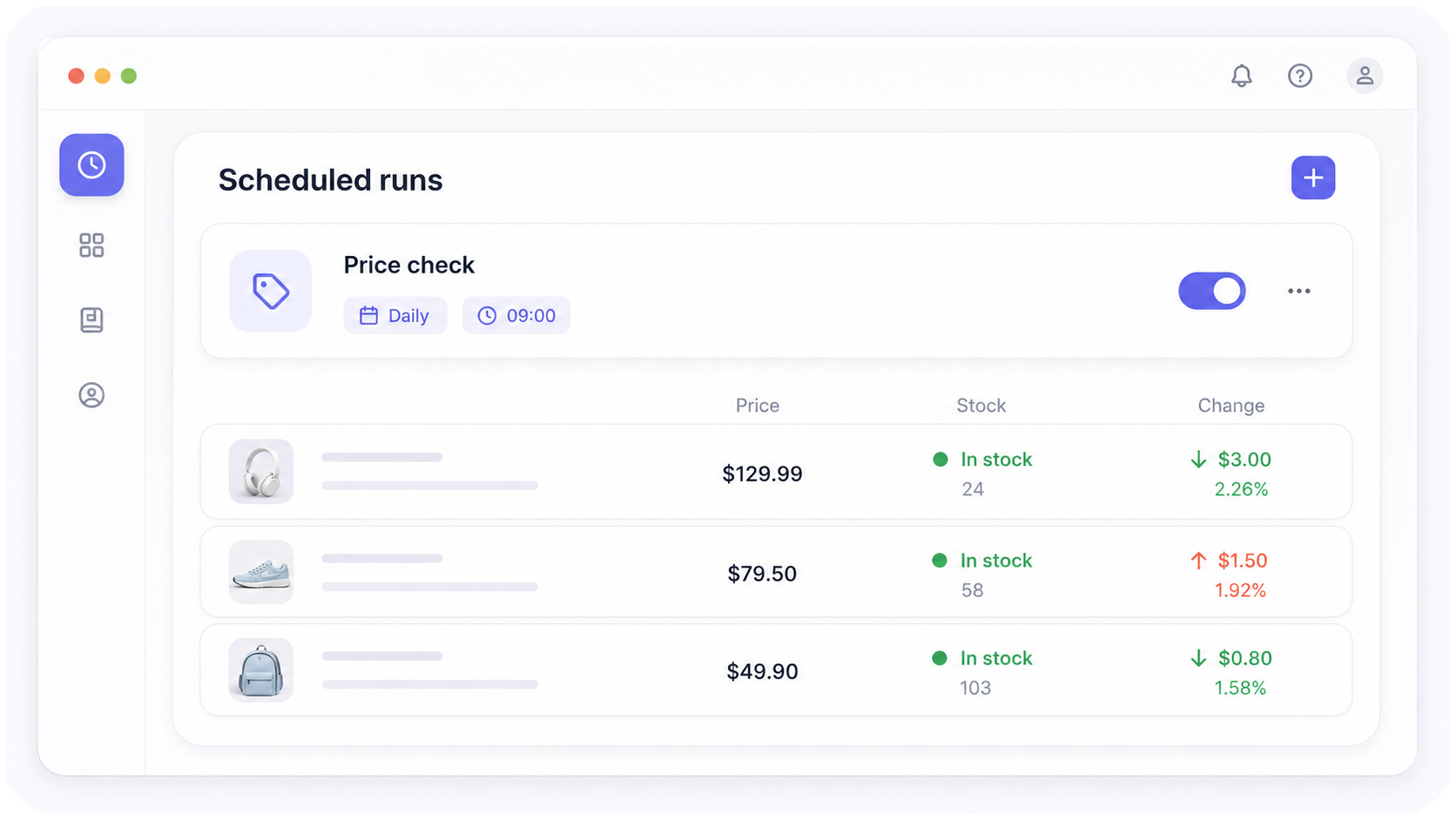
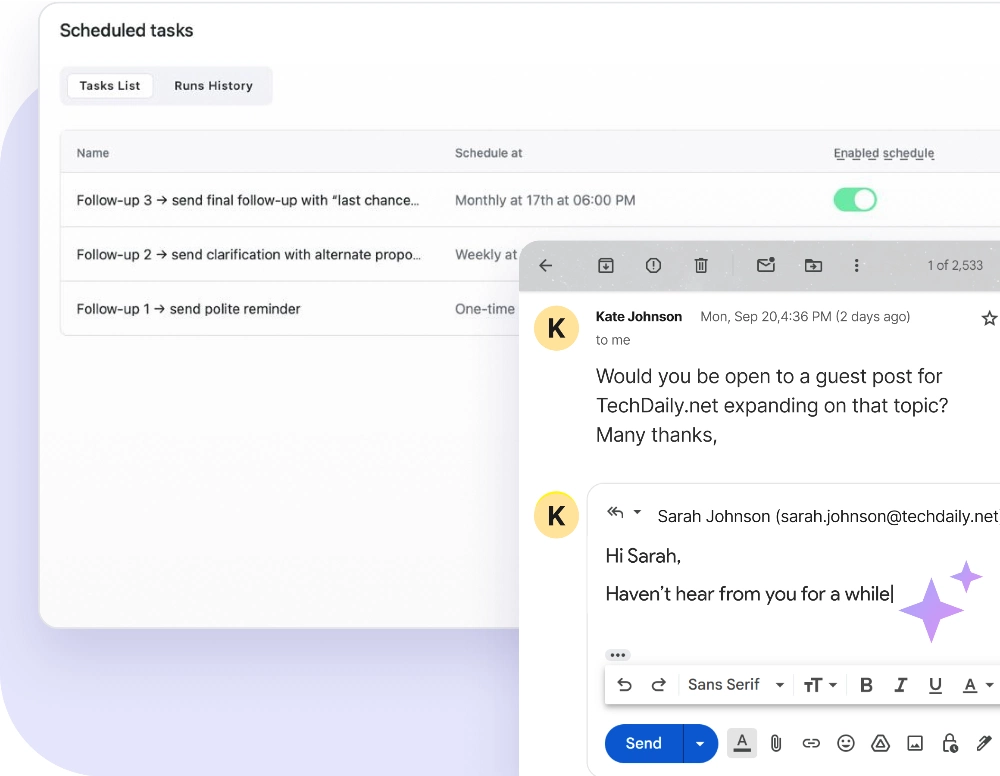
Create a recurring scheduled run for a daily, weekly, or weekday check.
Scheduled runs execute locally while the Nextbrowser desktop app is open, so they are not a cloud monitoring guarantee.
Compare results with the previous run
Ask the agent to compare the current result with a saved file, conversation, or other source available to the workflow.
Review changes in Chat, open the browser directly when it is local, or use Live Streaming when the browser is remote.
See the workflow in action
Watch a recorded task and follow the written guide.
Browse all demos →Do you have any questions?