English
Open-Source Anti-Detect Browser Alternatives in 2026
Compare genuinely open-source anti-detect browsers: Camoufox, Donut Browser, Clawbrowser, Playwright stealth. Honest trade-offs and an orchestration solution.

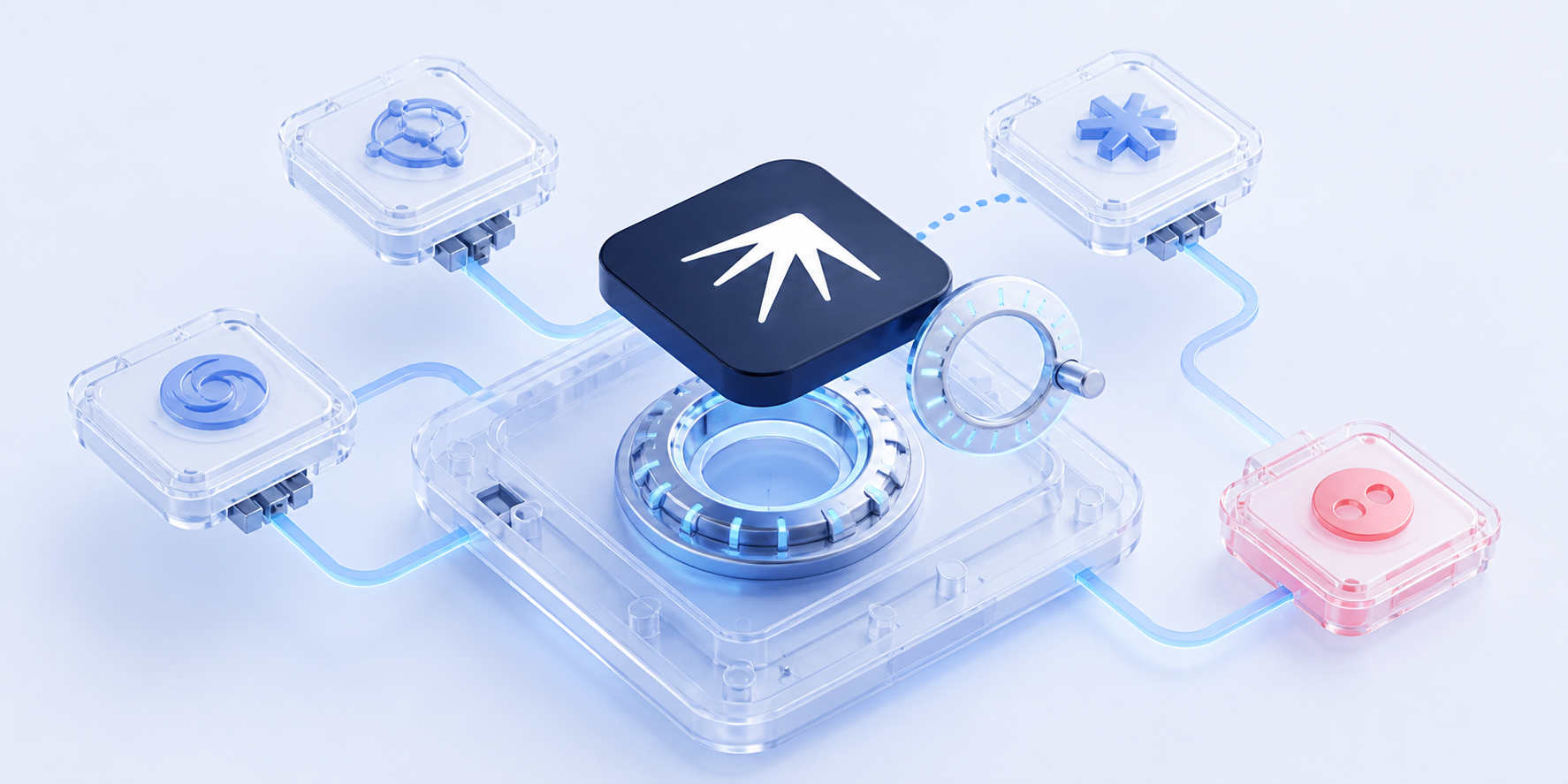
Anti-detect browsers charge between $89 and $499 per month. For teams managing dozens or hundreds of browser profiles, that adds up fast. And you're trusting a closed-source binary with your credentials, fingerprints, and session data.
Open-source alternatives exist. They're not perfect. Maintenance is harder, detection is a real concern, and most lack the multi-account orchestration features that paid tools offer out of the box. For a deeper breakdown, see our guide to the structural limitations of anti-detect browsers. But for developers and teams who value transparency, control, and cost efficiency, they're worth understanding.
TL;DR: Camoufox (Firefox-based) is the strongest open-source anti-detect browser in 2026. Donut Browser (Chromium-based) is the most actively maintained. Clawbrowser is the best option for AI agent workflows, with built-in profile isolation, proxy routing, and native Playwright/Claude Code support. Playwright stealth plugins are a lightweight bolt-on. For multi-tool fallback and orchestration across all of them, Nextbrowser ties the stack together.
Why Look at Open-Source Anti-Detect Browsers?
Three reasons keep coming up.
- Cost. GoLogin charges $49–149/mo. Dolphin Anty starts at $89/mo for teams. If you're running 100+ profiles with team seats, you're paying $89–300+/month, or $1,000–4,000/year just on browser fingerprinting. Open-source tools cost $0 to run.
As the creator of Donut Browser put it on Hacker News: "I don't understand how they cost so much for a very limited number of profiles."
-
Transparency. Anti-detect browsers handle sensitive data: account credentials, session tokens, payment information. With proprietary tools, you're trusting a black box. With open source, you can audit every line of code that touches your data.
-
Control. Self-hosted means your fingerprints, profiles, and session data never leave your machine. No cloud sync. No telemetry. No vendor deciding to change their pricing, deprecate features, or shut down.
The Open-Source Options: An Honest Assessment
Camoufox
The strongest Firefox-based open-source anti-detect option.
Camoufox takes a different approach from every other tool on this list: it modifies Firefox at the C++ source level before compilation. The anti-fingerprinting isn't bolted on at runtime. It's baked into the engine. That makes it significantly harder for platforms to detect compared to JavaScript patches layered on top of a stock browser.
| Detail | Info |
|---|---|
| Browser engine | Firefox (modified at source level) |
| License | MIT |
| Language/API | Python (Playwright-compatible) |
| Anti-detect approach | Engine-level C++ modifications before compilation |
What it does well:
- Near-zero headless detection rate in independent benchmarks. Engine-level modifications are harder to fingerprint than runtime patches.
- Playwright-compatible API. If you already write Playwright scripts, the migration path is straightforward.
- MIT license. Use it commercially without restrictions.
Limitations:
- Python-only API. No Node.js, no TypeScript, no GUI. You need to write code to use it.
- No multi-account profile management. Camoufox is a browser, not a profile manager. You handle profile isolation, cookie storage, and proxy assignment yourself.
- Firefox engine. Some platforms and WAFs specifically target Firefox automation. Chromium is the safer bet for certain sites.
- Maintenance concerns. The project has had gaps in commit activity. Anti-detect browsers need constant updates to stay ahead of detection, and every Chromium or Firefox release can introduce new fingerprinting surfaces.
- No orchestration. No fallback chains, no retry logic, no learning from past failures.
For a full comparison of self-hosted tools beyond anti-detect browsers, see Self-Hosted Browser Automation: The Complete Guide for 2026.
Best for: Developers who need a single stealth browser for scraping or automation and can handle the integration work themselves.
Donut Browser
Actively maintained open-source anti-detect browser.
Donut Browser is a Chromium-based anti-detect browser built in Rust. It's newer than Camoufox but has been shipping regular updates through 2026 (v0.28.2 as of July 2026).
| Detail | Info |
|---|---|
| Browser engine | Chromium (Wayfern fork) |
| License | AGPL-3.0 |
| Language | Rust |
| Anti-detect approach | Modified Chromium with fingerprint spoofing |
What it does well:
- Chromium-based, so better compatibility with sites that block or fingerprint Firefox.
- Active development with regular releases in 2026.
- AGPL-3.0 license, which guarantees the code stays open.
- Built-in profile management (basic).
Limitations:
- Smaller community. Fewer contributors than Camoufox, which means less battle-testing and slower bug fixes.
- No Firefox fallback. Chromium-only means you're locked to one engine.
- Requires self-hosted sync for profile management across machines.
- No built-in automation. You still need Playwright, Puppeteer, or another framework to automate it.
- No orchestration, no proxy rotation, no fallback logic.
Best for: Teams who prefer Chromium and want an actively maintained open-source anti-detect foundation.
Clawbrowser
The most practical option for most teams: anti-detect + profiles + proxies + AI agent support, all in one.
If Camoufox is the stealth purist and Donut Browser is the Chromium experimenter, Clawbrowser is the tool that's actually ready for production multi-account work today. It's a Chromium-based anti-detect browser built from the ground up for AI agent workflows. Claude, Gemini, and other LLMs that need to browse the web without getting blocked.
Where Camoufox and Donut Browser give you a stealth browser and leave you to build everything else yourself, Clawbrowser ships with the features teams actually need: fully isolated profiles, built-in proxy routing, and native integration with the tools developers already use.
| Detail | Info |
|---|---|
| Browser engine | Chromium (modified) |
| License | Free for commercial use, free automation |
| Language/API | Playwright, Puppeteer, Claude Code, Codex, Kilocode, Hermes agent, Openclaw (standard CDP) |
| Anti-detect approach | Engine-level (C++) + unique fingerprints per profile (canvas, fonts, screen, timezone) + residential proxy routing |
| Website | clawbrowser.ai |
What it does well:
- Fully isolated profiles out of the box. Each profile gets its own fingerprint, cookies, storage, and proxy. No bleed between sessions. This is what you'd spend weeks building on top of Camoufox or Donut Browser. Clawbrowser gives it to you on day one.
- Built-in proxy routing. Residential and datacenter proxies by country, configured per profile. No external proxy manager needed. Most open-source anti-detect browsers don't touch proxy management. Clawbrowser handles it natively.
- Native AI agent support. Works with Playwright, Puppeteer, Claude Code, Codex, Kilocode, Hermes agent, and Openclaw without modifications. Single-command session launch via standard Chromium DevTools Protocol. Your existing automation scripts work unchanged.
- Free for commercial use. No per-profile pricing. No seat limits on automation. No monthly fee to use it in production. This is the key differentiator vs every proprietary anti-detect browser. GoLogin and Dolphin Anty all charge per profile. Clawbrowser doesn't.
- Extension API for isolated profiles. Install browser extensions per profile via API: connect password managers, captcha solvers, or any Chrome extension to each new profile automatically. No manual setup per session.
- Purpose-built for automation. Not a manual-use anti-detect browser that added an API later. Designed for AI agents and headless automation from the start.
Trade-offs:
- Chromium only, no Firefox engine option. For the rare site that specifically blocks all Chromium variants, you'd pair it with Camoufox (Nextbrowser's Camoufox adapter is currently in development).
- Terminal-first interface. Powerful for developers and DevOps teams, but non-technical team members who need a visual dashboard would use Nextbrowser's UI on top.
Best for: The widest range of users. Developers, AI agent builders, agencies, and scraping teams who need anti-detect + profile isolation + proxy routing in a single tool, without gluing together 3–4 separate open-source projects. If you're only going to try one tool from this list, start here.
Playwright and Puppeteer Stealth Plugins
The lightweight bolt-on approach.
Rather than using a modified browser, stealth plugins patch standard Chromium at runtime to evade common detection checks.
| Detail | Info |
|---|---|
| Browser engine | Chromium (unmodified, runtime patches) |
| License | Varies (mostly MIT/Apache) |
| Language | JavaScript/TypeScript/Python |
| Anti-detect approach | Runtime JavaScript patches over standard Chromium |
What they do well:
- Drop-in replacement. Swap one line of code in your existing Playwright or Puppeteer scripts.
- Massive community and ecosystem.
- Works with the standard Chromium you already have installed.
- Multi-language support (Node.js, Python, Java, .NET).
Limitations:
- Weaker stealth. Runtime JS patches are fundamentally easier to detect than engine-level modifications. Independent benchmarks show Camoufox has a 15–30% detection evasion advantage over Playwright stealth.
- Cat-and-mouse game. Every time a platform updates its detection, someone needs to update the plugin. Patches lag behind detection advances.
- No fingerprint isolation. You get stealth, but not unique fingerprints per session. Multi-account use requires additional tooling.
- No proxy management, no profile persistence, no orchestration.
Best for: Quick stealth upgrade for existing Playwright/Puppeteer scripts. Not sufficient for serious multi-account operations.
What About Kameleo and ShardBrowser?
Two projects that appear in "open source anti-detect" searches but aren't what they seem.
Kameleo has a GitHub repository, but it contains only SDK examples. The actual browser engines (Chroma and Junglefox) are proprietary, closed-source binaries. Kameleo starts at EUR 29/mo. It's a commercial product with a GitHub presence, not an open-source anti-detect browser.
ShardBrowser (ProxyShard) has an MIT-licensed launcher on GitHub, but the browser engine itself is a closed-source binary. The repository has only 26 commits and hasn't been updated since February 2025. The license explicitly prohibits commercial anti-detect use of the engine. Not a viable open-source option.
Comparison: Open-Source Anti-Detect Browsers at a Glance
| Feature | Camoufox | Donut Browser | Clawbrowser | Playwright Stealth | Kameleo | ShardBrowser |
|---|---|---|---|---|---|---|
| Actually open source | Yes (MIT) | Yes (AGPL-3.0) | Free for commercial use | Yes (MIT) | No (SDK only) | No (engine closed) |
| Browser engine | Firefox | Chromium | Chromium | Chromium | Chromium + Firefox | Chromium |
| Anti-detect depth | Engine-level (C++) | Engine-level (Rust) | Engine-level (C++) & per-profile fingerprints & proxy routing | Runtime JS patches | Engine-level | Unknown |
| Multi-account profiles | No | Basic | Yes (fully isolated) | No | Yes (paid) | No |
| Proxy management | No | No | Yes (residential + datacenter) | No | Yes (paid) | No |
| AI agent support | No | No | Yes (Claude Code, Codex, Kilocode, Hermes, Openclaw) | No | No | No |
| GUI | No | Yes | CLI / GUI | No | Yes (paid) | Yes |
| Automation API | Python (Playwright) | Limited | Full (standard CDP) + natural language automation | Full (Playwright/Puppeteer) | REST API (paid) | Limited |
| Active in 2026 | Partial | Yes | Yes | Yes | Yes | No |
| Cost | $0 | $0 | $0 | $0 | From EUR 29/mo | $0 (limited) |
The Real Limitations of Open-Source Anti-Detect Browsers
The community is honest about the trade-offs. As one developer put it: "Open source anti-detect browsers don't maintain their code and they fall apart. They stop working."
Another concern comes up repeatedly: "Open source in anti-detect means it'll be easily patched/spotted by the platforms." When detection teams can read your source code, they can write detection rules against it.
These are real issues. Here's what they mean in practice.
Maintenance is the killer, for most projects. Anti-fingerprinting is an arms race. Every browser engine update, every platform detection change, every new fingerprinting vector requires a response. Camoufox has one maintainer. Donut Browser has a small team. Clawbrowser is the exception: it's backed by a dedicated team shipping regular updates. But for the community-maintained projects, response time when a critical detection bypass breaks is a real risk.
Detection-via-transparency is overstated but not zero. Platforms generally detect automation through behavioral analysis and fingerprint inconsistencies, not by reading GitHub source code. But for sophisticated platforms with dedicated anti-fraud teams, open-source detection signatures are a data point.
No single tool handles the full stack. Clawbrowser comes closest. It bundles anti-detect, profiles, and proxy routing in one package. But even Clawbrowser is a single browser engine. When Chromium gets detected on a specific site, you need a different engine. That's where orchestration comes in.
What's Missing: The Orchestration Layer
Clawbrowser solves 80% of what teams need: stealth, profiles, proxies, AI agent support. The remaining 20% is what happens when things go wrong.
When Clawbrowser's Chromium gets fingerprinted on a specific site, you need a Firefox fallback. When a full anti-detect browser is overkill for a batch job, you need Playwright stealth. When your proxy pool is burned, you need a different provider. No single browser handles all of this.
That's what Nextbrowser does. It's the open-source orchestration layer (AGPL-3.0-only) that coordinates your browser tools as a system.
- Clawbrowser as the primary engine. Profiles, proxies, and fingerprinting handled natively.
- Playwright stealth for speed. Lightweight tasks that don't need full anti-detect.
- Camoufox as a Firefox fallback. Adapter currently in development, for sites that specifically block Chromium automation.
- Solution Memory. Learns which browser + proxy combination works best for each platform over time.
- Automatic fallback chains. If the primary engine gets blocked, Nextbrowser switches to the next one without human intervention.
You describe the task. Nextbrowser picks the right browser, assigns the proxy, executes the automation, and if something fails, retries with a different combination. Automatically. No glue code.
It runs fully local at $0. No API keys required. No data leaving your machine. Download the desktop app for macOS or Windows and you're running in minutes.
FAQ
Can I use open-source anti-detect browsers commercially?
Yes. AGPL-3.0-only permits commercial use of Nextbrowser. If you distribute a modified version, or make a modified version available for remote network interaction, the corresponding source must be offered under the same license. This obligation applies to Nextbrowser itself, while dependencies and connected tools remain under their own licenses.
Will platforms detect open-source anti-detect browsers because the code is public?
Mostly overstated. Platforms detect automation primarily through behavioral signals (timing patterns, mouse movements, navigation patterns) and fingerprint inconsistencies, not by reading GitHub repos. That said, engine-level modifications (Camoufox, Donut Browser) are harder to fingerprint than runtime patches (Playwright stealth), regardless of whether the source is public.
Do I need to choose just one?
No. This is the meta-orchestration approach: use Clawbrowser for AI agent workflows with built-in proxy routing, Playwright stealth for speed on less-protected sites, and fall back between them automatically. Camoufox support as a Firefox fallback is currently in development. Nextbrowser handles this coordination. You don't configure tool combinations manually.
Is Nextbrowser itself open source?
Yes. Nextbrowser is licensed under AGPL-3.0-only, fully auditable, and runs locally at $0. Commercial use is allowed, with the license obligations applying to modified versions of Nextbrowser. It orchestrates open-source browsers, proxies, and AI agents without requiring any paid dependencies. Read the license or star the repo: github.com/nextbrowser-oss/nextbrowser-app
Try It
If you're evaluating open-source anti-detect browsers, start with Camoufox for the strongest stealth, Donut Browser for active Chromium-based development, or Clawbrowser for AI agent workflows with built-in profile isolation and proxy routing. When you need orchestration (fallback chains, multi-tool coordination, and Solution Memory), add Nextbrowser as the layer above.
- Download: github.com/nextbrowser-oss/nextbrowser-app/releases
- GitHub: github.com/nextbrowser-oss/nextbrowser-app
- Discord: discord.gg/gHXEvkGXnz
 Nextbrowser TeamThe Problem with Anti-Detect Browsers (And What Comes Next)Anti-detect browsers solved fingerprinting. They didn't solve orchestration, fallback, vendor lock-in or cost at scale. Here's what the next evolution looks like.
 Nextbrowser TeamSelf-Hosted Browser Automation: The Complete Guide for 2026Every self-hosted browser automation tool compared: Browserless, Steel, Camoufox, Clawbrowser, Playwright. When to self-host, what each tool does and what's missing.
 NextBrowser TeamBrowser Fingerprinting Explained: What It Means for Your AutomationBrowser fingerprinting is the reason multi-account operations get detected. Learn what signals sites check, how anti-detect browsers handle them and why Nextbrowser orchestrates the right toolset so you don't have to.