Coordinate storefront work from one browser console
Research products and categories
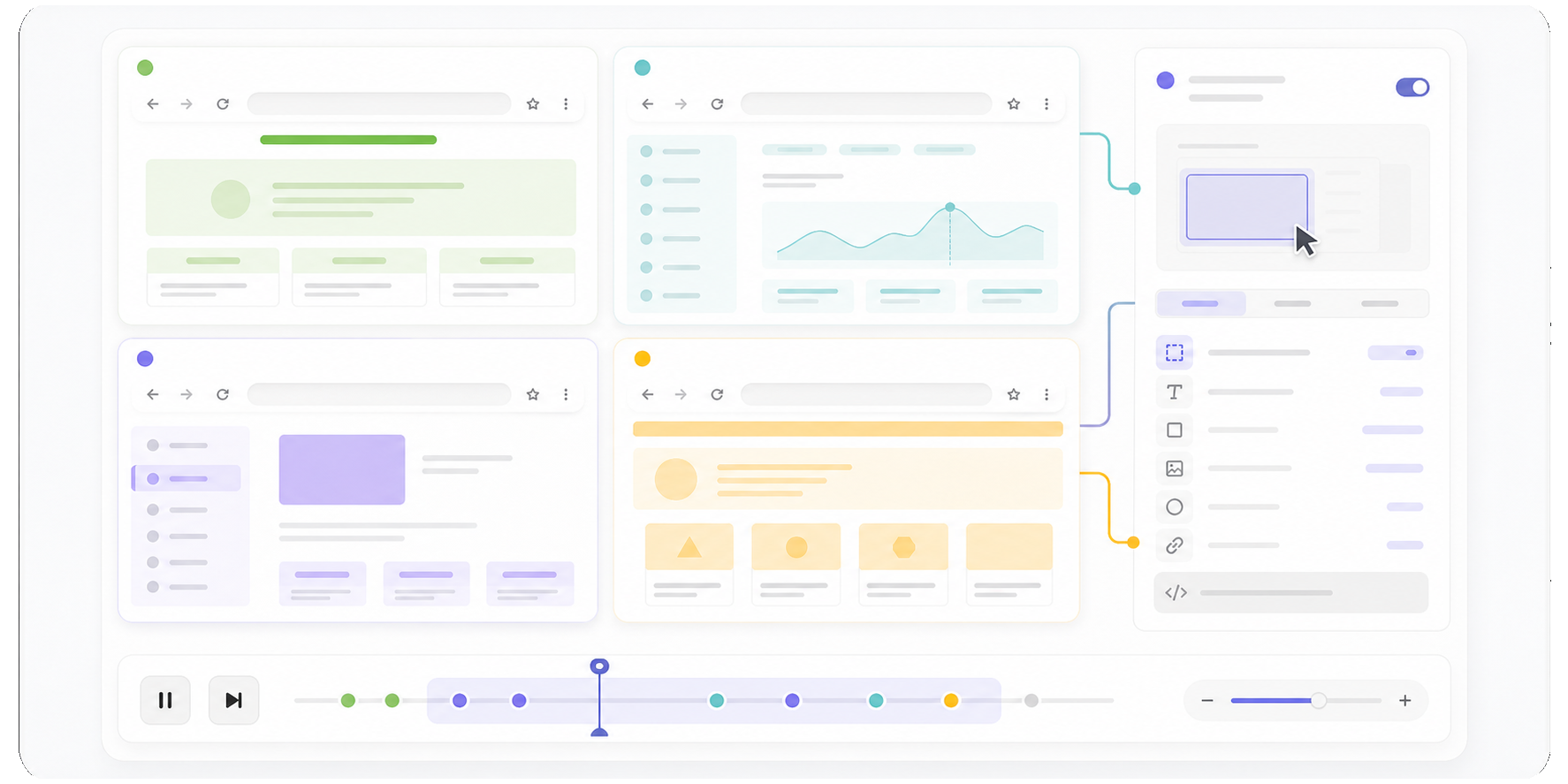
Ask the agent to browse categories, inspect product pages, compare sellers, and collect the fields your workflow needs.
Use a reusable skill or custom script when the same research pattern runs across multiple storefronts.
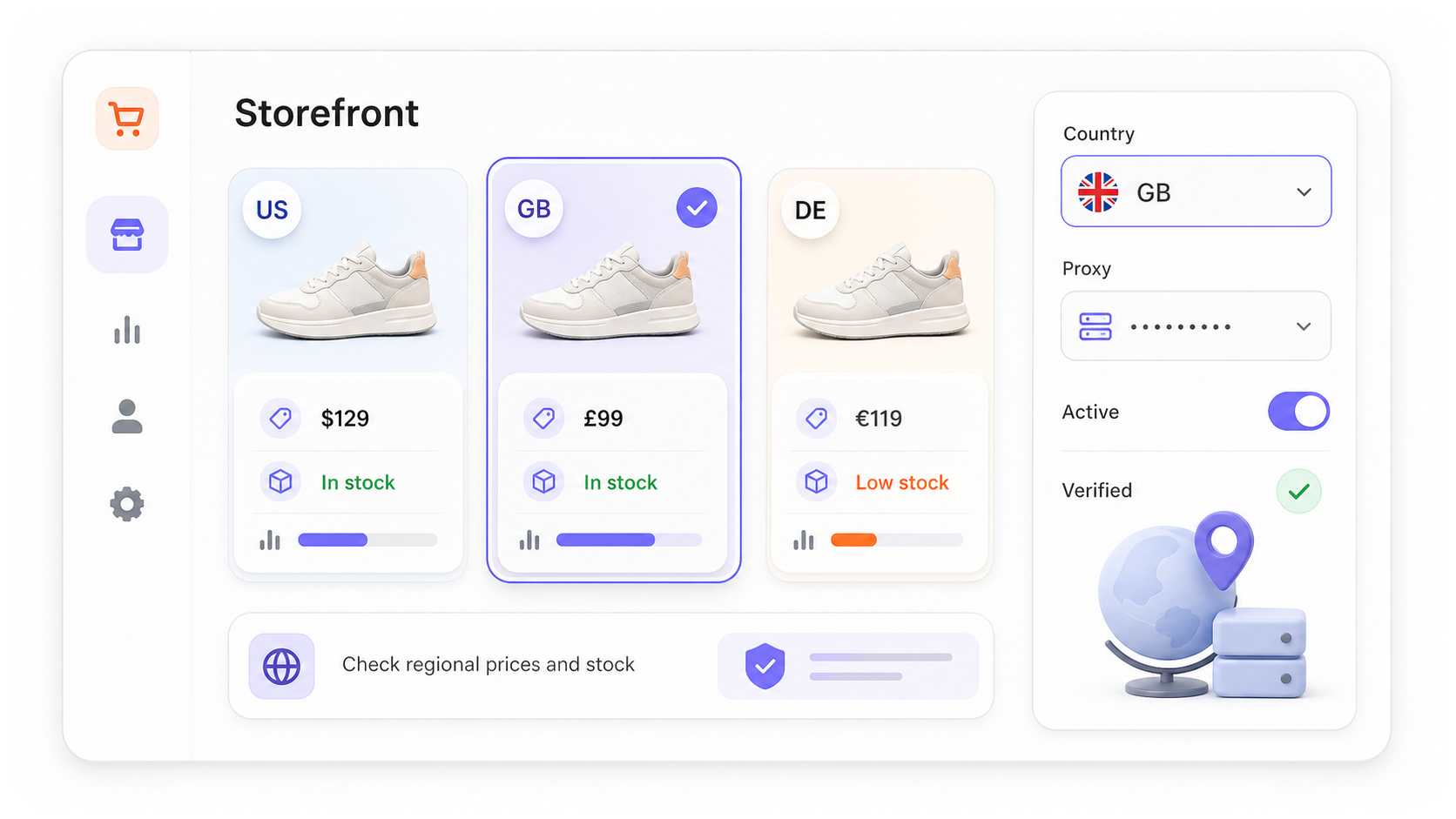
Check regional prices and availability
Use separate profiles with the appropriate country or proxy context when the storefront serves localized pricing or stock information.
Verify the active browser identity before relying on a regional result.
Run recurring operational checks
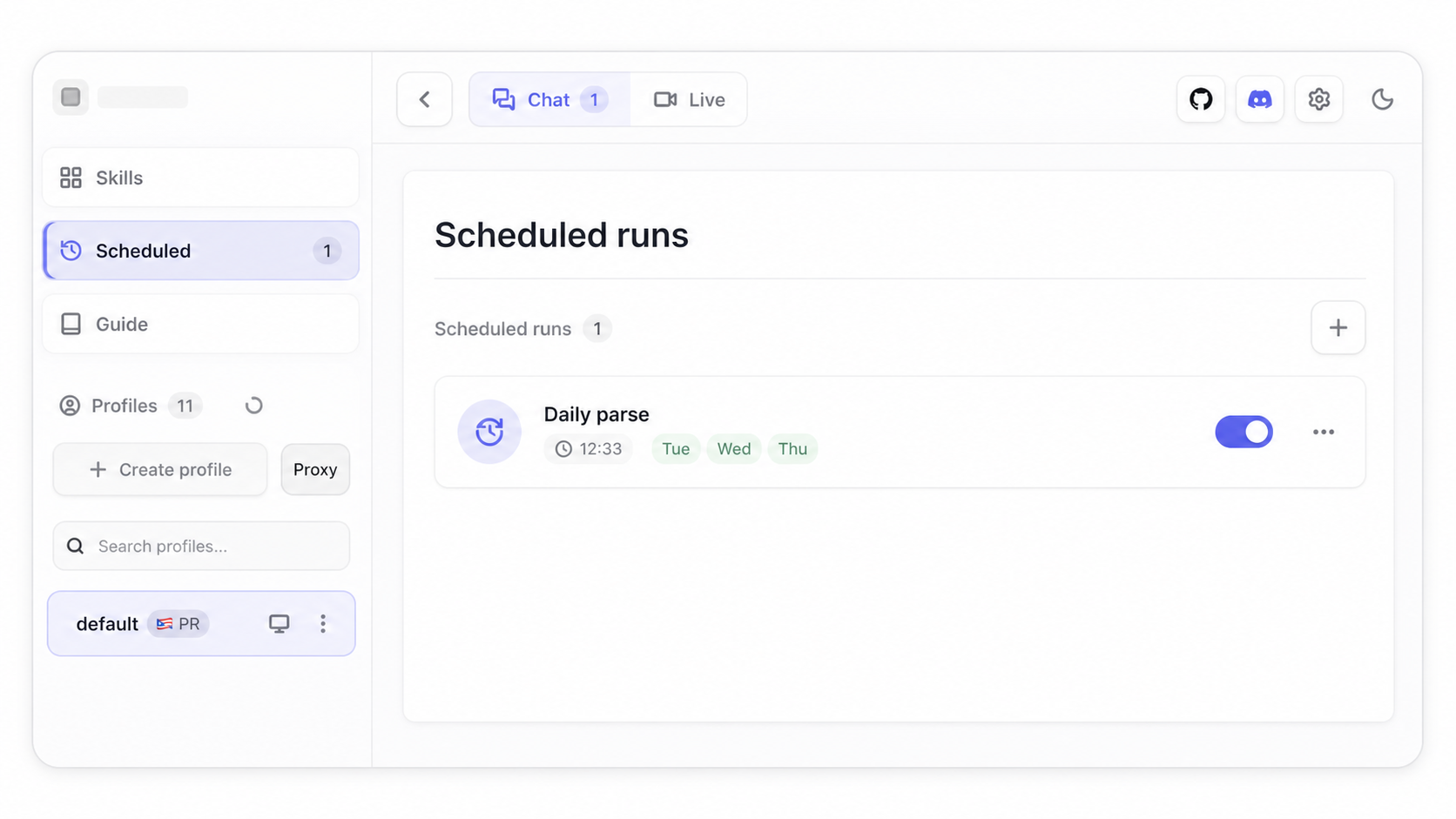
Schedule a local browser workflow for inventory, price, listing, or variant checks while the Nextbrowser desktop app is open.
Keep the run prompt and output expectations attached to the schedule so the task is repeatable.
Test flows before they reach customers
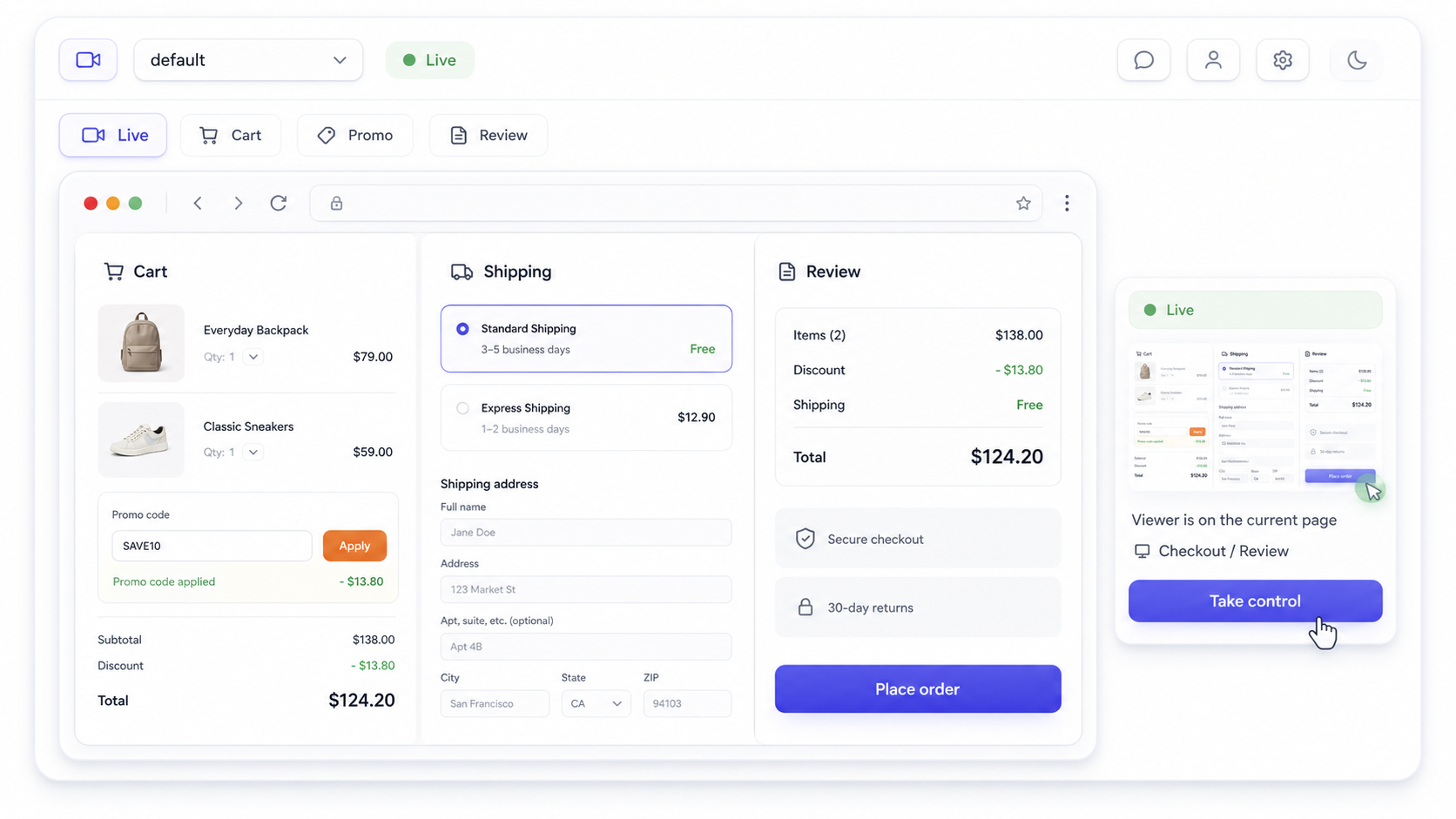
Use isolated sessions to verify promo codes, account flows, regional content, or checkout steps.
If the agent gets stuck during a checkout or account step, open the browser directly on the host machine or use Live Streaming for a remote session, then help it continue from the exact page state.
See the workflow in action
Watch a recorded task and follow the written guide.