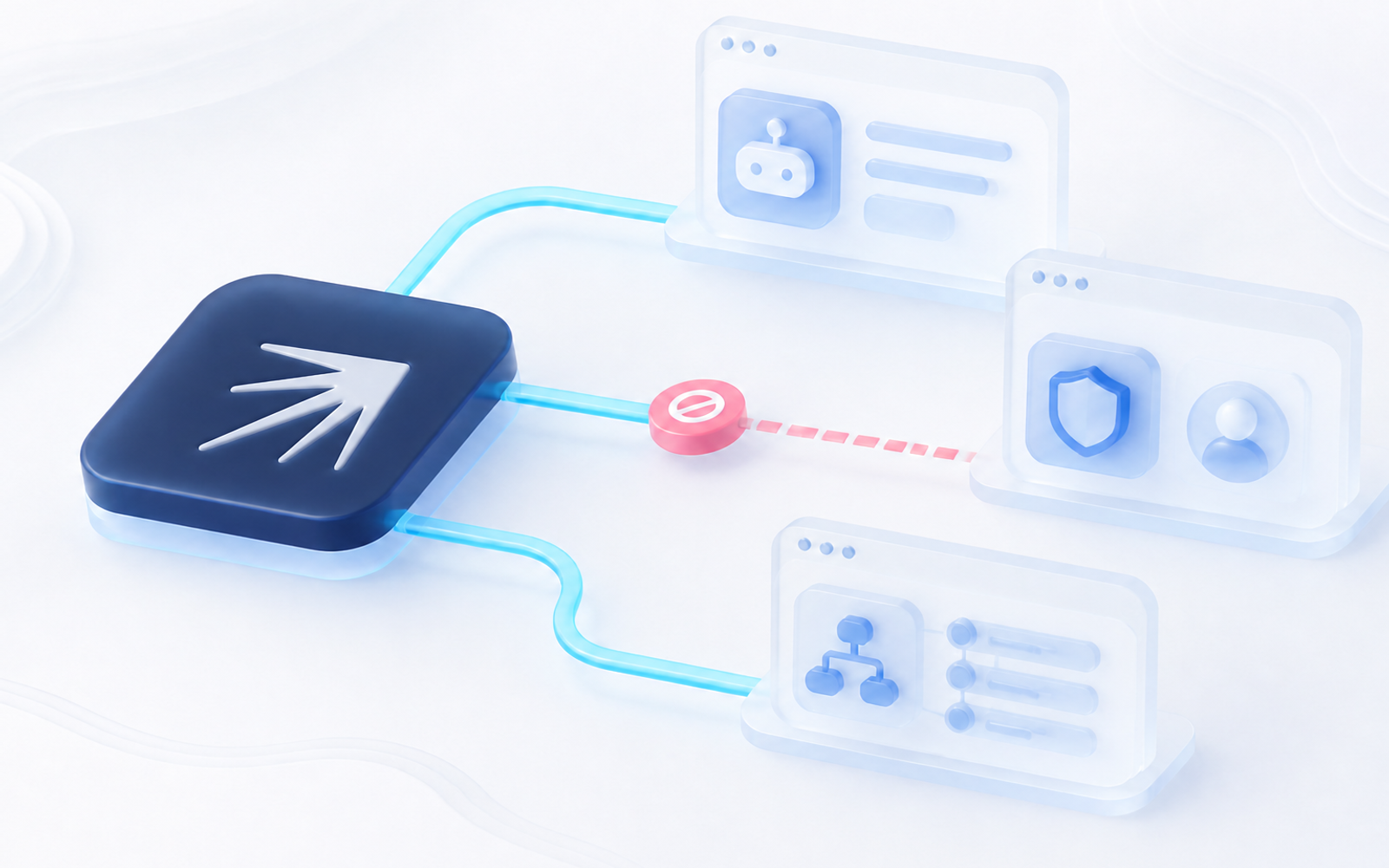
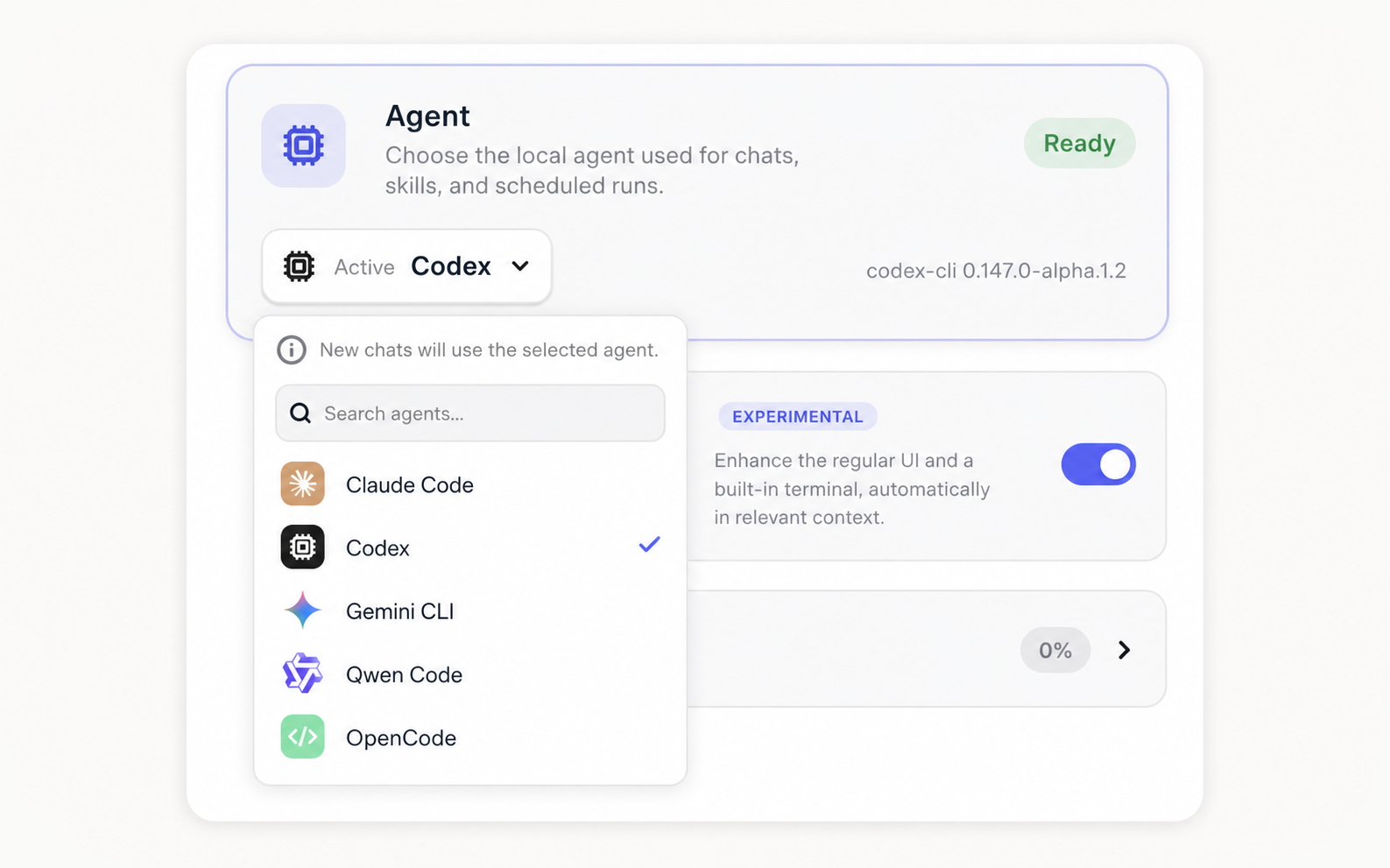
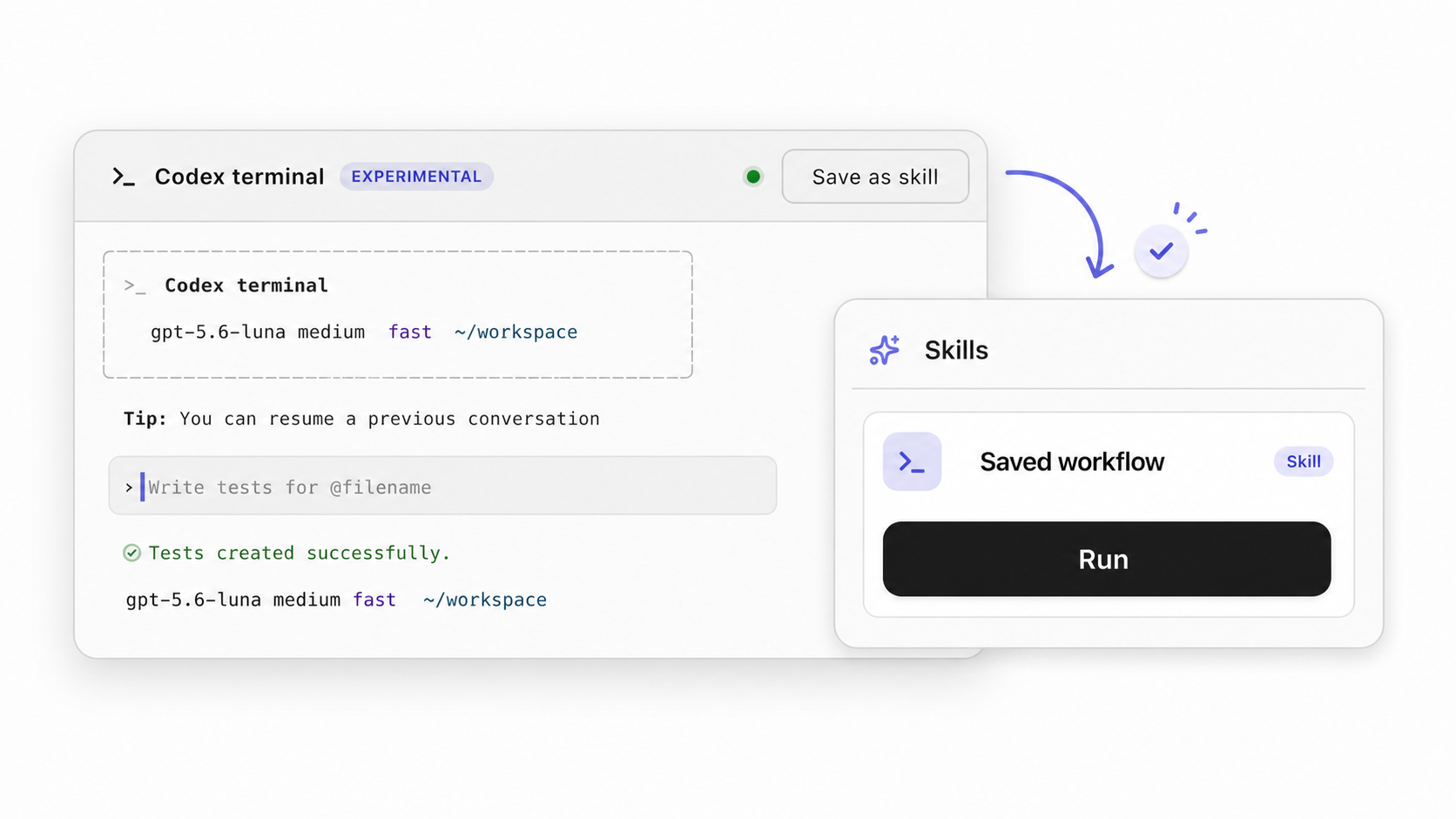
Connect an installed CLI agent such as Claude Code CLI, Codex, Gemini CLI, Qwen Code, or another supported local agent from the Nextbrowser desktop console.
The agent handles the task while Nextbrowser keeps the active profile, session state, chat history, and run status in view.
Give every task the right browser context
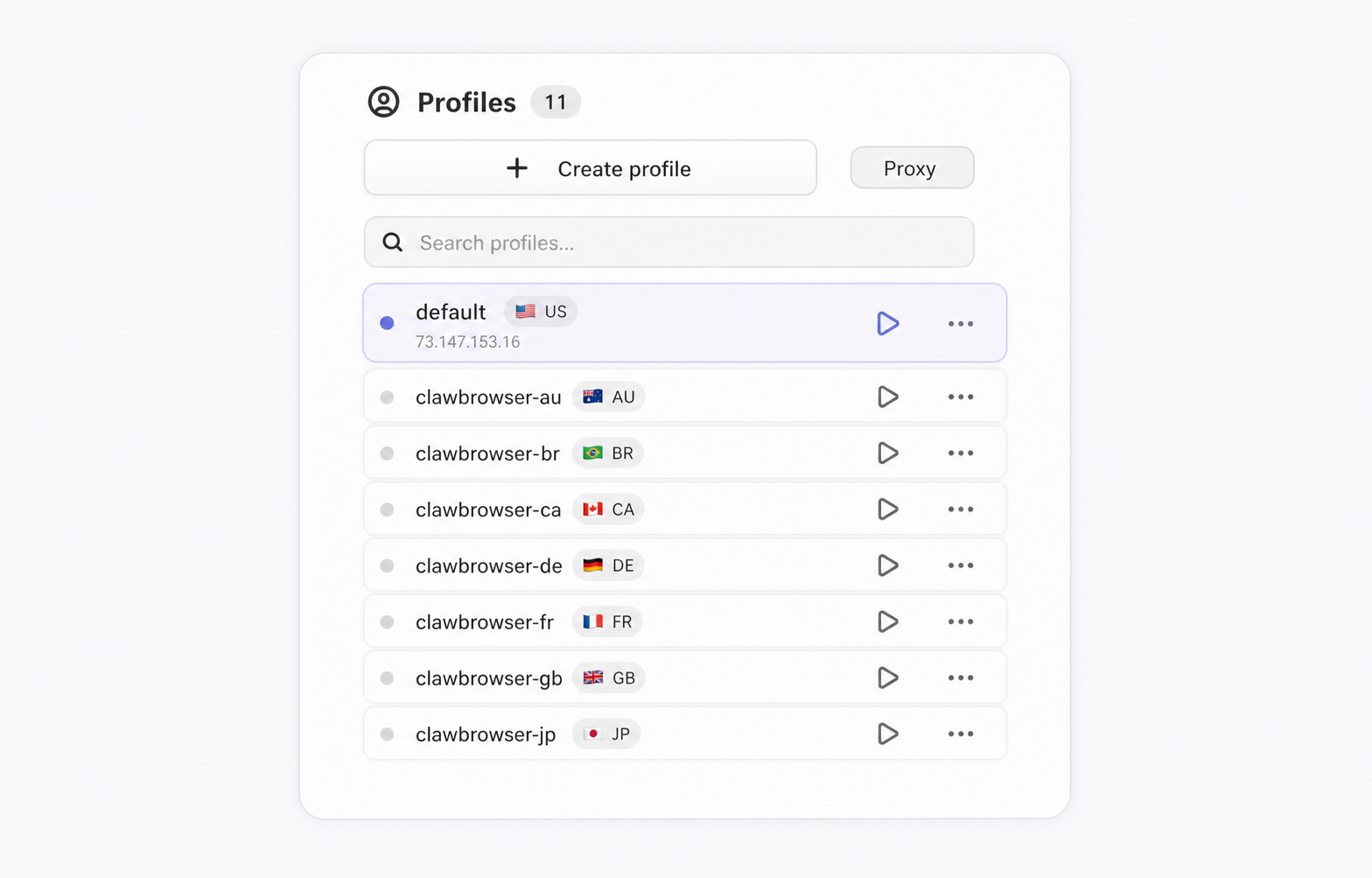
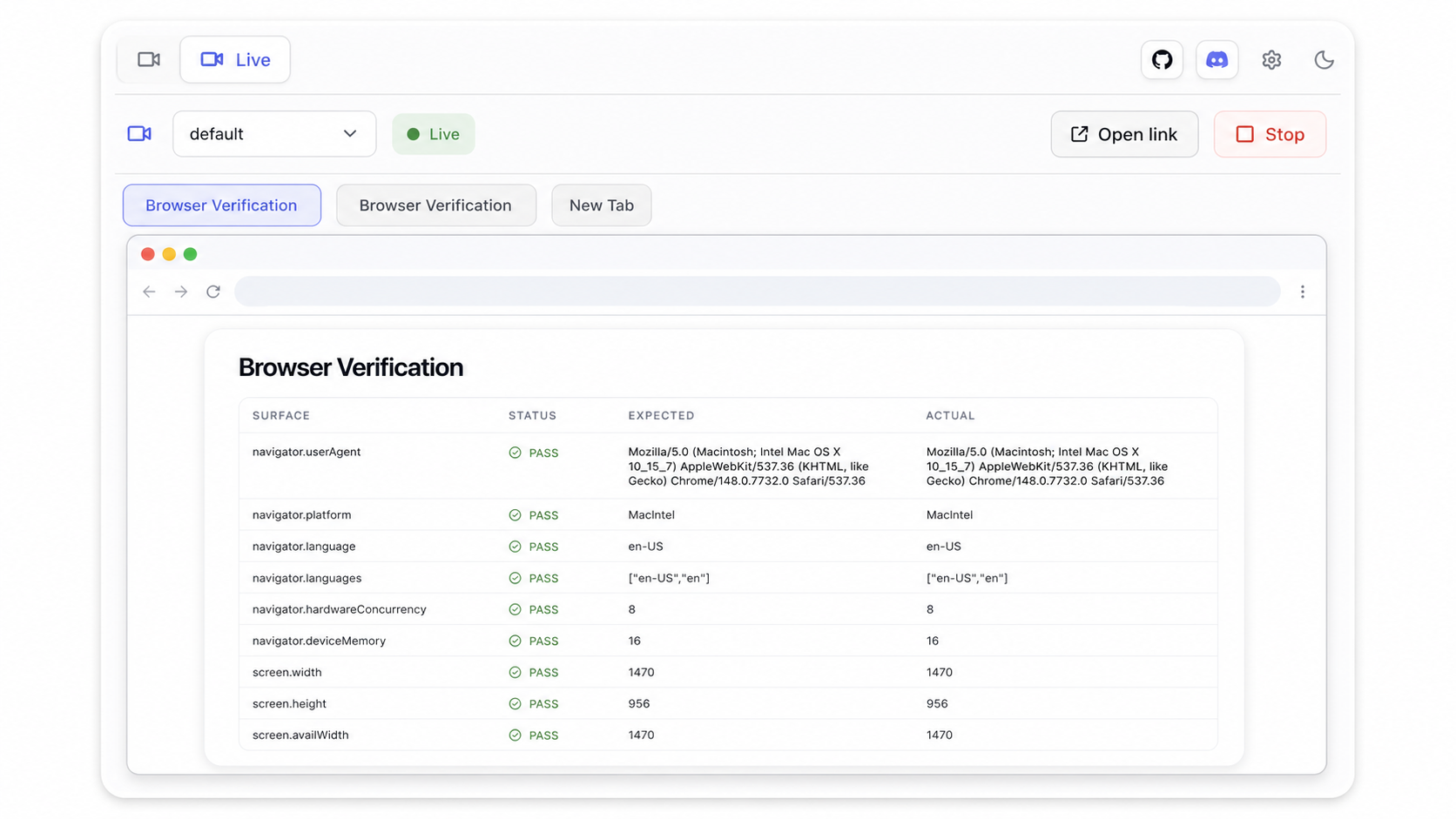
Choose or create a profile, start its browser session, open the target page, and verify the browser identity before the run.
Use separate profiles for different accounts, customers, regions, or test environments.
Save useful runs as skills
When a terminal-chat workflow works well, use Save as skill to turn it into a reusable browser workflow.
Run the saved skill against a prepared profile later, so the same setup, instructions, and browser steps can be reused without rebuilding the task from scratch.
Watch and help the agent through Live Streaming
If the browser is running on your host machine, open the browser window directly and help the agent from the current page.
If the browser runs on a VPS or another remote machine, use Live Streaming to see what the agent is doing, switch between open tabs, and understand where the run is stuck.
Some CAPTCHAs can be handled automatically by Nextbrowser. If a CAPTCHA or page state blocks the agent, you can step in directly or through Live Streaming.
See the workflow in action
Watch a recorded task and follow the written guide.