English
How to Manage Multiple Instagram Accounts and Grow Them All
Learn how to manage multiple Instagram accounts without getting banned or burning out emotionally. Covers native limits, tool tiers and how AI agents scale account growth to 50+ profiles.

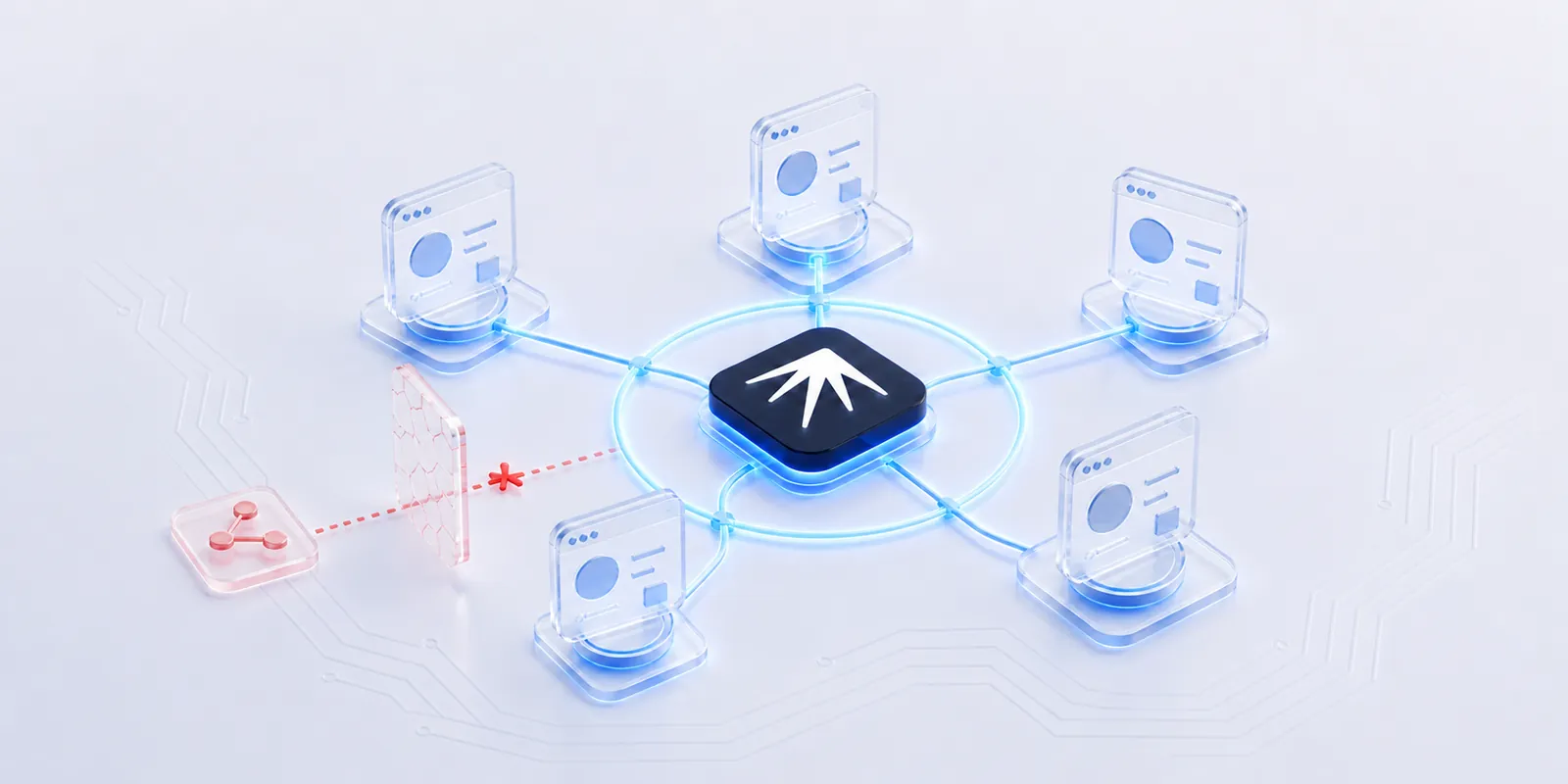
How to Manage Multiple Instagram Accounts and Grow Them All
Managing multiple Instagram accounts manually is a time sink. If you run five client accounts, you already know the drill: log in, switch profiles, check DMs, schedule posts, switch again, pray you did not just post a client's product shot to your personal story. Scale that to 50+ accounts and the math stops working entirely.
TL;DR: Native Instagram supports up to five accounts per login. Scheduling tools like Hootsuite and Buffer extend that to 10 but only cover posting. To manage and grow 20+ accounts without bans or emotional burnout, you need isolated browser profiles with AI agents that handle engagement, warm-up and content distribution autonomously. Nextbrowser does this for free.
For agencies, marketers and solo founders running multiple brands, multi-account management is not optional. It is the job. The question is whether you do it manually or let AI agents handle the repetitive parts.
Why managing multiple Instagram accounts is hard
The core problem is not scheduling posts. Any tool can do that. The hard parts are:
Constant context switching. Every account has its own voice, audience, content calendar, comments and replies. Switching between them many times a day leads to mistakes. Agency managers report spending 20 hours per week just on account switching and manual engagement.
The wrong-account problem. Post a personal photo to a client's business account and you have a crisis. The more accounts you juggle, the higher the odds of a slip.
Instagram's 5-account limit. The native app lets you add up to five accounts per login. Managing more means logging in and out repeatedly or using separate devices.
Detection and bans. Instagram tracks behavioral patterns, device fingerprints and IP addresses. Running 10 accounts from the same browser on the same IP is a fast way to get flagged. According to community reports, accounts managed this way face action limits or suspensions within weeks.
Engagement cannot be scheduled. You can schedule a post, but you cannot schedule authentic replies to comments, DM conversations or story interactions. These require real-time presence in each account, which does not scale.
Three tiers of multi-account management
Not all solutions work at the same scale. Here is how the options break down.
Tier 1: Native Instagram (2–5 accounts)
Instagram's built-in account switcher handles up to five profiles under one login. You tap your profile picture, switch accounts and manage each one manually.
Works for: Solo creators with a personal account and one or two side projects.
Breaks at: Six accounts. There is no workaround within the app itself.
Tier 2: Scheduling tools (5–15 accounts)
Tools like Buffer connect to Instagram's API. They let you schedule posts, view analytics across accounts and manage a shared content calendar.
Works for: Small agencies managing a handful of clients.
Breaks at: API rate limits, rising per-account pricing, no DM management, no story automation and no session isolation. Every account connects through the same API credentials, which Instagram can correlate. These tools also do not handle engagement (commenting, liking, following) because the Instagram API restricts those actions. For an honest comparison of what each scheduler offers at zero cost, see our breakdown of free social media automation tools that actually work.
Tier 3: AI agents with isolated browser profiles (20–500+ accounts)
This is where the approach fundamentally changes. Instead of connecting through APIs, AI agents operate real browser sessions: one isolated profile per Instagram account, each with its own fingerprint, proxy and behavioral pattern.
Works for: Agencies, growth teams and anyone managing accounts at scale.
Why it works: Each account looks like a separate person on a separate device in a separate location. AI agents handle posting, engagement, DM responses and warm-up activities autonomously. When one automation method breaks, the system falls back to alternatives automatically instead of failing silently.
| Feature | AI Agents + Devices | Scheduling Tools | Native App |
|---|---|---|---|
| Account limit | 20–500+ | 10–15 (API-dependent) | 5 |
| Post scheduling | Yes | Yes | Manual |
| DM management | Automated | Limited or none | Manual |
| Story/Reels automation | Yes | Partial | No |
| Engagement (likes, comments) | Yes | No (API-restricted) | Manual |
| Session isolation | Yes (per-account fingerprint) | No | No |
| Ban risk at scale | Low | Medium | High |
| Cost (50 accounts) | Free with Nextbrowser | $150–400+/mo | Free but impractical |
How Instagram detects linked accounts
Before scaling, you need to understand what Instagram actually checks. Anti-detect browsers solve one piece of the puzzle (fingerprinting), but the real challenge has six layers:
- Browser fingerprint. Canvas rendering, WebGL, installed fonts, screen resolution and timezone. If two accounts share the same fingerprint, they are linked.
- IP address. Running accounts from the same IP is the most common trigger. Residential proxies assigned one-per-account solve this.
- Behavioral patterns. Instagram tracks action velocity: how fast you like, comment and follow. Identical patterns across accounts signal automation.
- Device and session data. Shared cookies, local storage or cached credentials across accounts create connections.
- Account graph. If your accounts follow each other, share the same contacts or interact in predictable clusters, Instagram notices.
- Content similarity. Posting identical or near-identical content across accounts triggers duplicate content filters.
The takeaway: a scheduling tool that connects 15 accounts through the same API key handles none of these layers. Isolated browser profiles with unique fingerprints, dedicated proxies and varied behavioral patterns address all six.
Setting up multi-account management with Nextbrowser
Nextbrowser is an open-source AI agent orchestrator harness that turns your existing browsers, phone devices, proxies and AI agents into one self-healing automation system. Here is how to set it up for Instagram multi-account management.
Step 1: Create isolated profiles
Each Instagram account gets its own browser profile with a unique fingerprint. This means separate cookies, cache, timezone, screen resolution and language settings. No two profiles share identifiable traits.
Step 2: Assign proxies
Assign one residential proxy per profile. Each account appears to operate from a different location. Nextbrowser supports proxy rotation and automatic failover: if a proxy goes down, the system switches to an alternative without interrupting the session.
Step 3: Warm up new accounts
New accounts need a warm-up period before heavy engagement. The warm-up process builds account trust gradually:
- Days 1–3: Browse the feed, like 5–10 posts, follow 2–3 accounts in your niche
- Days 4–7: Post one piece of content, reply to a few comments, watch stories
- Days 8–14: Increase posting to daily, start DM conversations, engage with 20–30 posts
- After day 14: Full activity with natural patterns (varied timing, mixed action types, rest periods)
Nextbrowser's AI agents handle this entire sequence autonomously. You describe the warm-up behavior in plain language and the agent executes it with human-like timing and variation.
Step 4: Automate ongoing engagement
Once accounts are warmed up, set AI agents to handle daily operations:
- Content posting. Schedule posts, stories and Reels with per-account content calendars.
- Engagement. Like and comment on posts in your niche with contextually relevant responses (not generic "Nice post!" spam).
- DM management. Respond to incoming DMs using conversational AI with human-in-the-loop approval for sensitive conversations. Instagram DMs have 80–90% open rates versus email's 20%, making them a high-value channel.
- Follower growth. Follow relevant accounts, engage with their content and let organic follow-backs build your audience.
Step 5: Monitor and adjust
Nextbrowser's Solution Memory tracks which strategies work for each account and platform. Over time, the system learns optimal posting times, engagement patterns and content types per account. If Instagram changes its detection methods or rate limits, the self-healing system adapts automatically.
Common mistakes that get accounts banned
Even with the right tools, these mistakes will get accounts flagged:
Skipping warm-up. A new account that starts following 100 people on day one will be suspended. Always warm up for at least 7–14 days.
Identical action patterns. If all your accounts like 50 posts at exactly 9:00 AM, that is a signal. Vary timing, action counts and rest periods.
Shared content across accounts. Reposting the same image or caption across multiple accounts triggers duplicate content detection. Each account needs unique content or at minimum unique captions and posting times.
Using the same proxy for multiple accounts. One residential proxy per account. Datacenter proxies are cheaper but easier to detect.
Using the same device for more than 5 accounts. Instagram flags devices running too many accounts. Each account should operate from its own isolated profile or device to avoid cross-account linking.
Ignoring account graph separation. Your managed accounts should not follow each other, share contact lists or interact in predictable patterns.
FAQ
How many Instagram accounts can you manage at once?
The Instagram app supports up to five accounts per login. Scheduling tools extend this to 10–15 through the API. With isolated browser profiles and AI agents, you can manage 500+ accounts from a single machine. The practical limit depends on your hardware and proxy infrastructure.
Is it safe to manage multiple Instagram accounts?
Yes, if each account has its own browser profile or phone device, IP address and behavioral pattern. The risk comes from shortcuts: shared fingerprints, shared IPs or identical activity patterns across accounts. Proper session isolation eliminates the signals Instagram uses to link accounts.
What is the best tool for managing multiple Instagram accounts?
It depends on your scale. For 2–5 accounts, the native app works fine. For 5–15 accounts with scheduling needs, tools like Hootsuite or Buffer are sufficient. For 20+ accounts with full engagement automation, you need an AI agent orchestrator like Nextbrowser that provides session isolation, behavioral variation and self-healing automation.
How much does multi-account Instagram management cost?
Scheduling tools range from $50–400+/month depending on account count. Anti-detect browsers charge $30–150+/month for profile slots. Nextbrowser is open-source and runs locally at $0. Your main costs are residential proxies ($2–5/account/month) and any AI API credits for agent intelligence.
Can Instagram detect automation tools?
Instagram detects patterns, not tools. A well-configured automation setup with unique fingerprints, residential proxies and human-like behavior is indistinguishable from manual use. The accounts that get caught are the ones using shared IPs, generic comment templates or unnaturally consistent timing.
Try Nextbrowser
- Download and install: GitHub Releases (Mac, Windows)
- Star the repo: nextbrowser-oss/nextbrowser-app
- Join the community: Discord
See the workflow in action
Watch a recorded task and follow the written guide.
Browse all demos → Nextbrowser TeamAI Social Media Manager: How AI Agents Run Your Accounts While You ChillMost AI social media tools are schedulers with a chatbot bolted on. Real AI agents operate your accounts autonomously: logging in, scrolling, posting and engaging across dozens of profiles simultaneously.
 Nextbrowser TeamMulti-Account Social Media Management: The Complete GuideA practical guide to managing multiple social media accounts safely and at scale. Covers account isolation, warm-up routines, AI automation and the three-layer stack that keeps accounts alive.
 Nextbrowser TeamFree Social Media Automation Tools That Actually WorkMost free social media automation tools are just free trials. Here are the ones that are genuinely free, what they actually include and where they fall short.