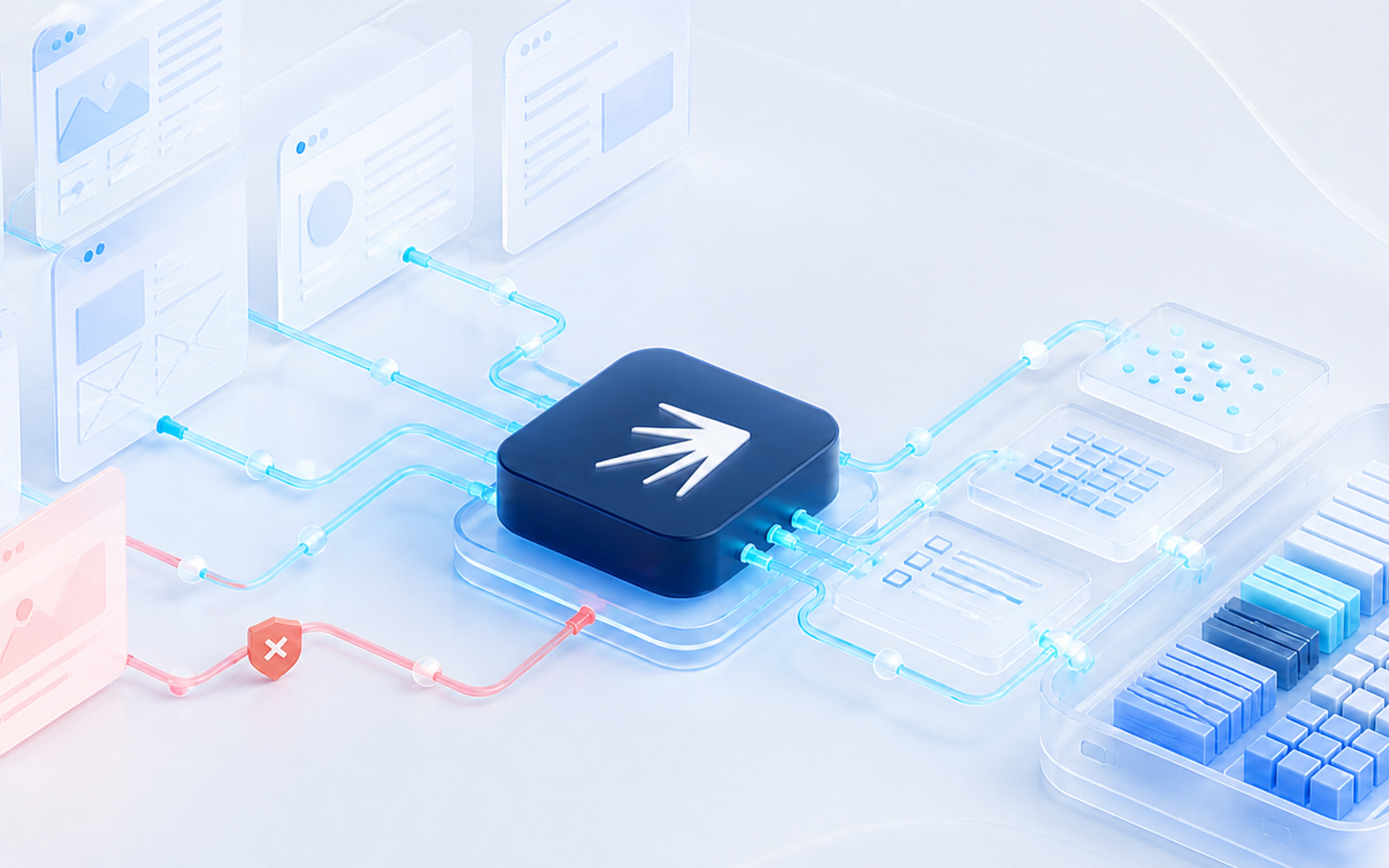
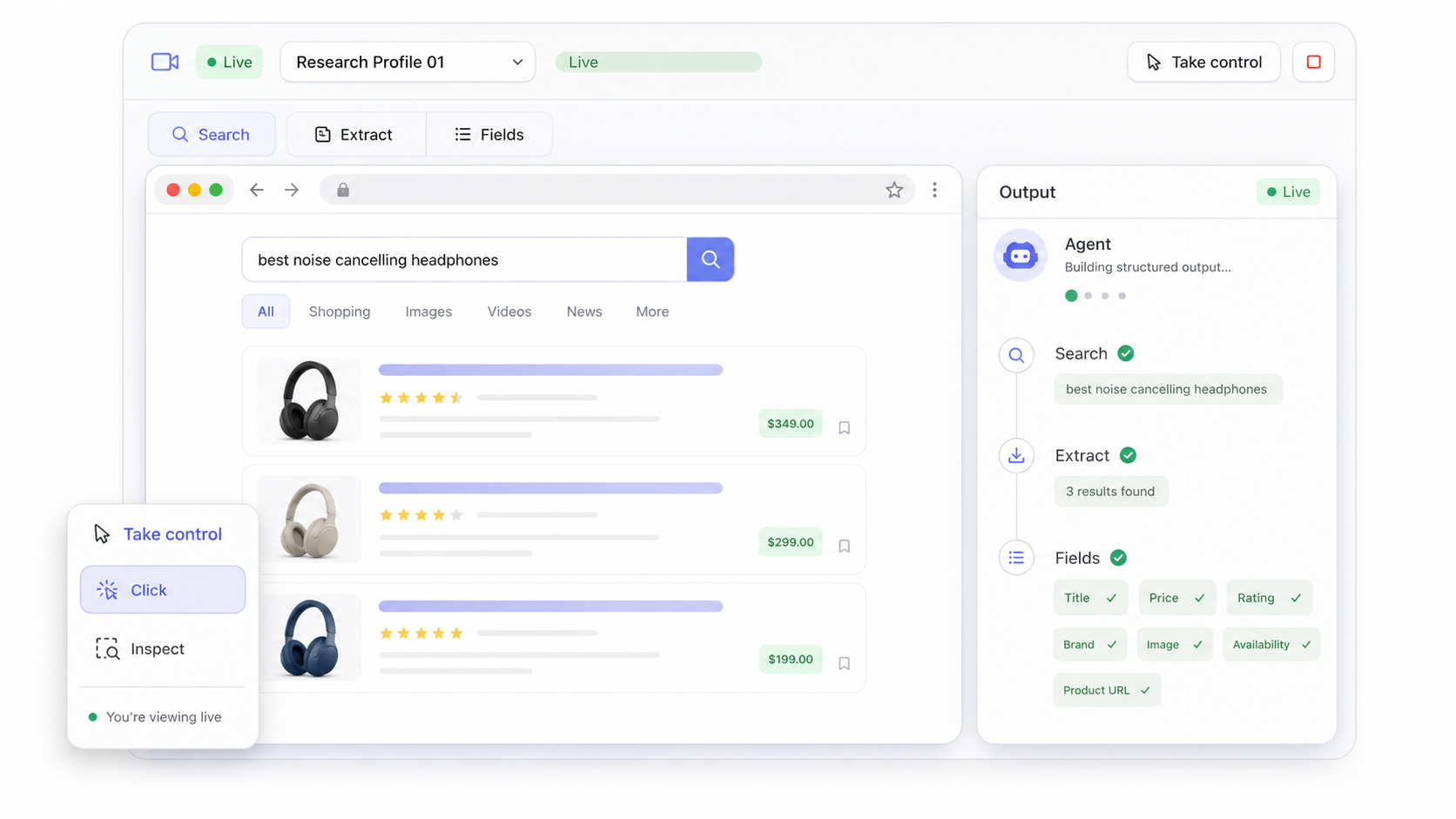
Give the agent a target, a list of fields, and a clear stopping rule. It can navigate pages, inspect content, and collect the information you need.
Use a dedicated profile when the workflow needs its own cookies, login state, region, or browser history.
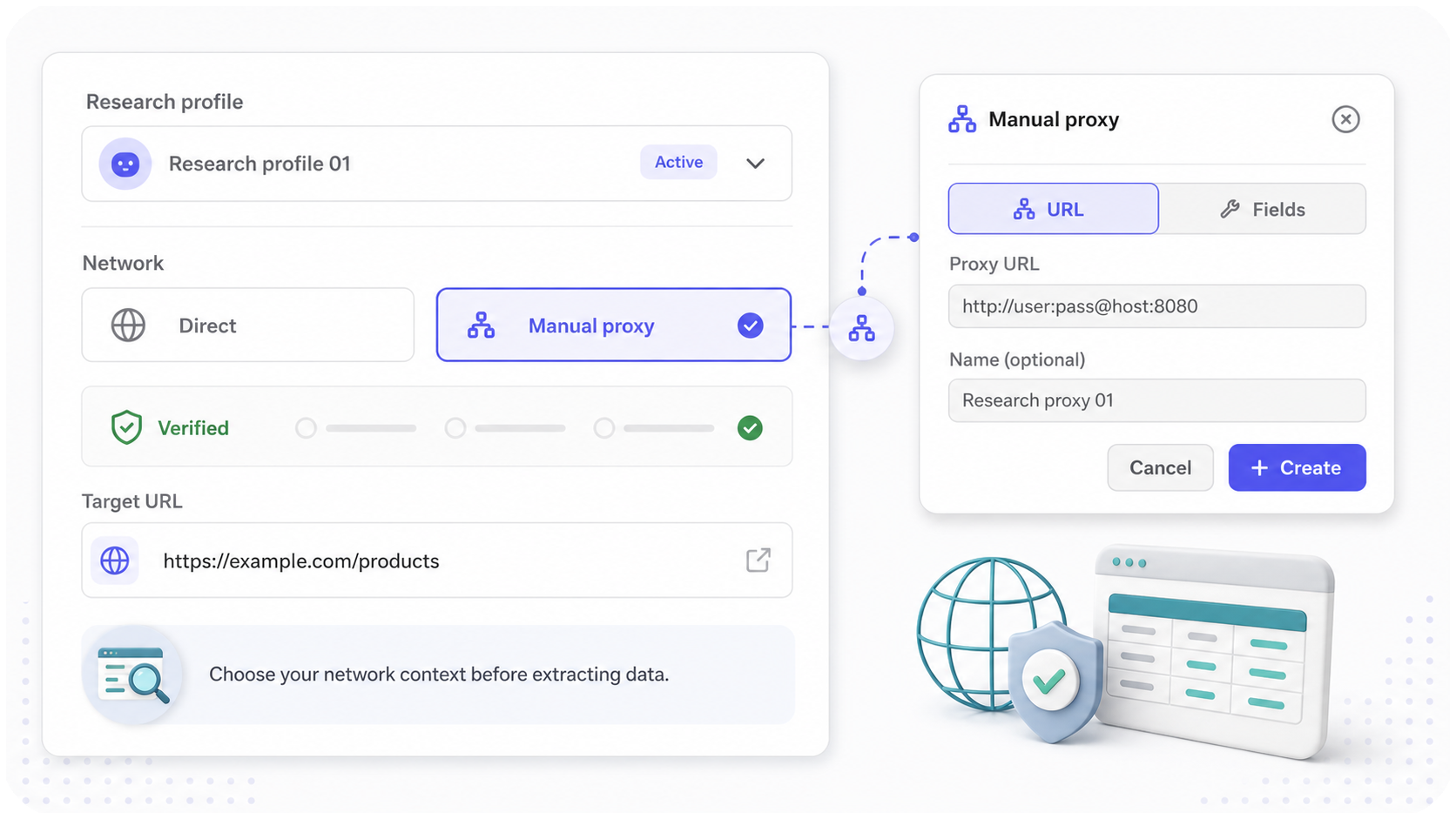
Choose the network context
Run a profile with managed proxy traffic, configure a manual proxy, or use a direct connection when a proxy is not required.
Verify the resulting browser identity when location or session consistency matters to the task.
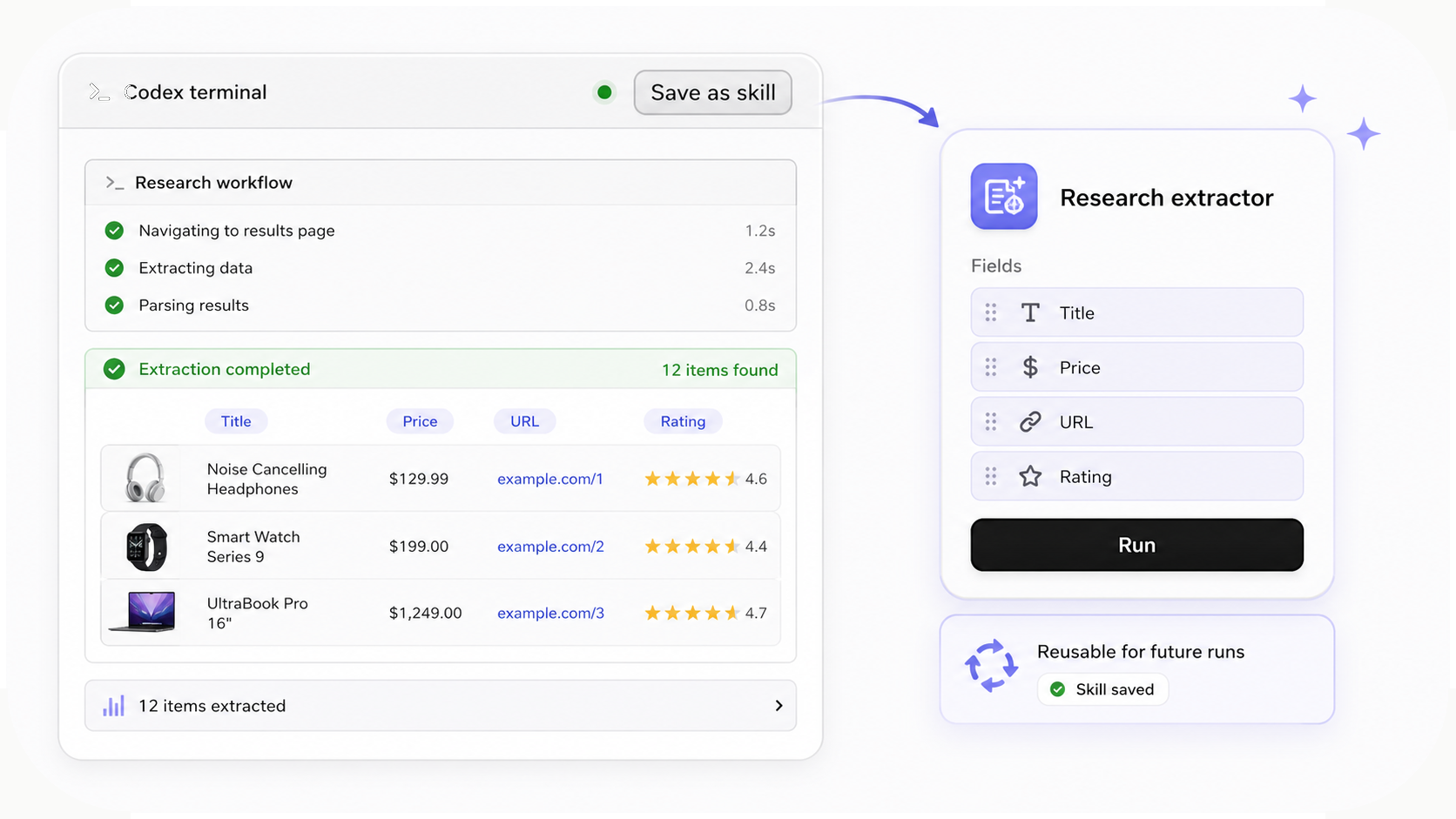
Save the workflow as a skill
When a scraping or research run works well in terminal chat, click Save as skill to preserve the steps, target domain, and output format.
Run the saved skill against a prepared profile later, with preflight checks for the selected profile, session, tabs, and target page.
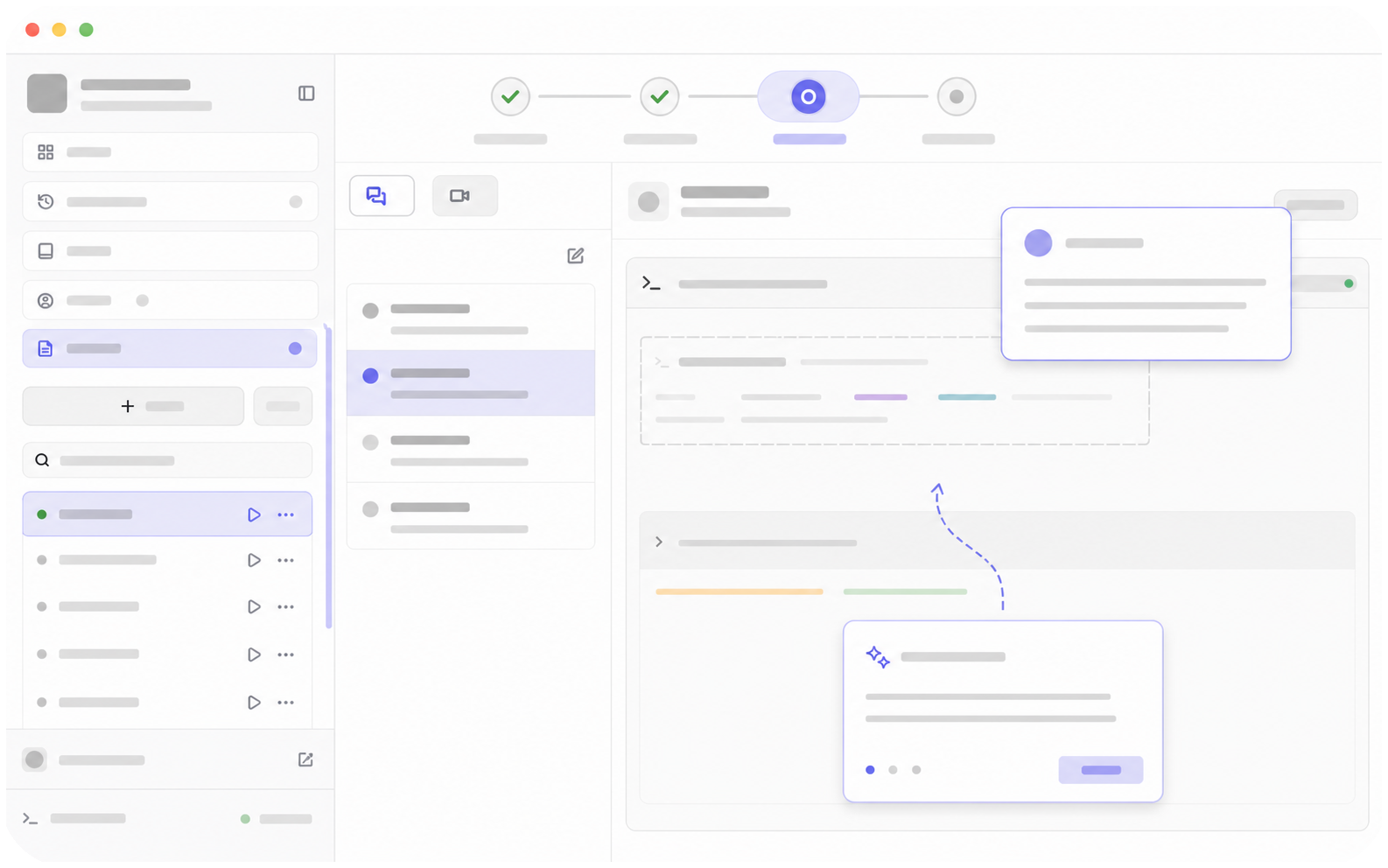
Watch and guide the browser run
If the browser is running on your host machine, open the browser window directly and help the agent from the current page.
If it is running on a VPS or another remote machine, use Live Streaming to watch the browser, switch between tabs, click, inspect, and help the agent continue from the current page state.
See the workflow in action
Watch a recorded task and follow the written guide.