English
Why We Rebuilt Nextbrowser from Scratch (And What It Is Now)
Nextbrowser started as a cloud platform. We paused it to focus on R&D, and after months of testing AI agents, anti-detect browsers and open weights models, we rebuilt it as an orchestration harness that lets AI agents grow multi-accounts.

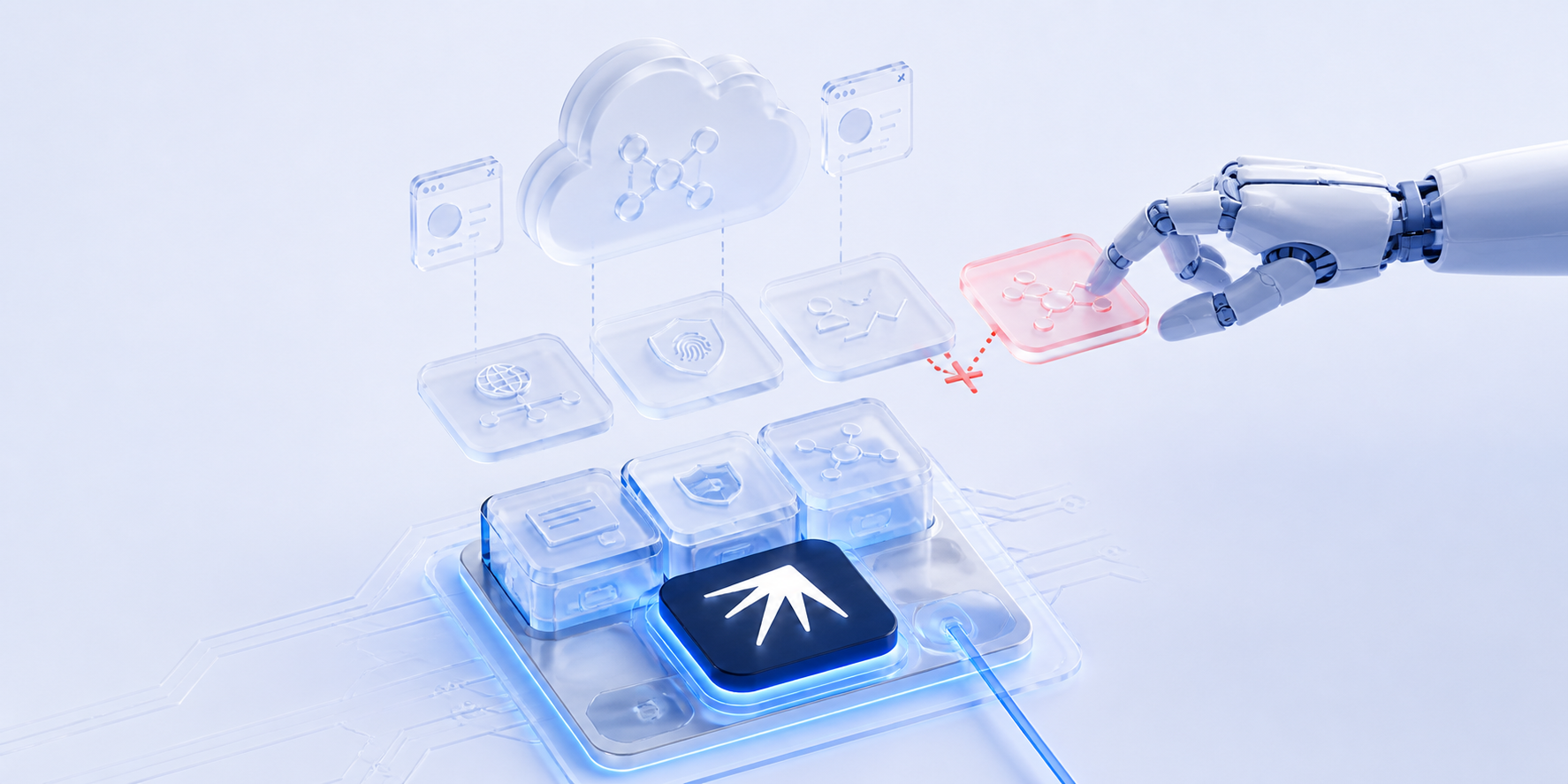
Nextbrowser started as a cloud-based SMM platform. The idea was solid: manage multiple social media accounts from one dashboard, automate posting and engagement, grow accounts without growing the team. But the cloud architecture was burning money, iteration was painfully slow and we kept running into the same walls. Then OpenClaw hit the market and changed the AI agent landscape entirely. For the first time, a single AI agent could open a browser, navigate platforms, fill forms, post content. It made us question everything we were building.
We paused the cloud platform and started testing.
What OpenClaw Taught Us
OpenClaw simplified browser automation in ways we hadn't imagined. Give it a task, point it at a browser, watch it work. For single tasks on single accounts, it was impressive.
But multi-account management at scale is a different problem. We tested OpenClaw extensively for the kind of operations our users need: running 50+ accounts across Instagram, Reddit, LinkedIn and TikTok simultaneously.
General-purpose AI agents don't handle the specifics:
- Device fingerprinting per account
- Proxy rotation per session
- Account warming schedules that mimic real human behavior over weeks
- Platform-specific detection patterns (Instagram checks different signals than Reddit)
- Fallback when one approach gets blocked
OpenClaw is a powerful general solution. But general solutions are not precise enough in specific areas of application. Multi-account SMM turned out to be one of those areas where "general" falls short.
What We Tested
Our team spent months testing every combination we could find.
Anti-detect browsers:
- Camoufox (Firefox-based, open source)
- Clawbrowser (Chromium-based, open source)
- Multilogin, GoLogin, Dolphin Anty, AdsPower (proprietary)
AI agents:
- Claude Code CLI
- Codex
- Hermes Agent
- OpenClaw
- Kilo Code
Open weights models:
- Kimi
- Qwen
- Nvidia models
- MiniMax
- Even tried uncensored versions of LLMs out of curiosity
We spent hours trying to figure out the working setup. Burned through millions of tokens and hit every subscription limit we had. And the result was still so-so. At one point we kept hitting Google CAPTCHAs so often that we built our own CAPTCHA solver service just for the lulz.
Each tool solved a piece of the puzzle. Anti-detect browsers handled fingerprinting but you still had to do everything manually inside them. AI agents could navigate but didn't understand multi-account isolation. Open weights models ran locally but couldn't keep up. Running agents needs long context windows (100K+ tokens) and consumer hardware — Mac Mini, DGX Spark, AMD Strix Halo — just doesn't have the memory bandwidth to process that fast enough for real-time automation.
No single tool and no single combination we tried solved the full problem of running 50+ accounts safely across platforms.
The Insight (and What Nextbrowser Became)
The problem isn't that the tools are bad. The problem lies in proper orchestration of these tools.
Consider two real scenarios. A marketer growing 50 Instagram accounts needs cloud phones with unique fingerprints, proxies matched to each account's geo and an AI agent that posts, engages and warms up on Instagram specifically. A marketer running 80 Reddit accounts needs browsers with isolated profiles, clean fingerprints per session and AI agents that can engage in discussions, leave relevant comments and grow account reputation across subreddits. Both need a system that executes, analyzes results, reports back and adapts.
Different platforms, different devices, different tools. That's not a browser. That's not a phone device. That's not an AI agent. That's an orchestration harness.
This is what Nextbrowser became: a desktop app that harnesses AI agents to grow multi-accounts. It takes existing AI agent tools, adds an orchestration layer above them, connects them with working toolsets (a browser or phone paired with an LLM and a set of skills) and adds account controlling skills on top. With human in the loop.
The user describes what they need. Nextbrowser picks the right toolset, assigns the right AI agent and runs the task. When something fails, it retries with a different combination. Over time, Solution Memory tracks which approaches work best for each platform.
If you want to understand the structural problems with single-tool automation that led us here, we wrote a deep dive: The Problem with Anti-Detect Browsers (And What Comes Next).
29 Releases in a Month
We rebuilt the app from the ground up. Since the beginning of July, we've shipped 29 releases, all building toward v1.0.0.
Here's what the team delivered from scratch to v0.1.29: a desktop app you can download and start using in minutes. Onboarding that walks you through setup step by step. A terminal chat where you talk to AI agents directly. Live streaming so you can watch what the browser is doing in real time, even when the app is running on a remote server. Agent and profile setup that fits on one screen. And a growing community on Discord where the team ships updates. A release almost every day. Every one of them moving toward a product that non-technical marketers can open, set up in minutes and use to grow their accounts.
What's Next
v1.0.0 is where we're headed. The desktop app is already live with onboarding, proxy management, live streaming, built-in CAPTCHA solvers and support for AI agents including Claude Code CLI, Codex, OpenClaw, Hermes Agent and Kilo Code.
Next up:
- Support for browsers and devices from multiple open source and proprietary vendors
- Platform-specific skills for Instagram, Reddit, LinkedIn and TikTok
- Solution Memory that gets smarter with every task
- Dashboards that show all your accounts in one place
- More adapters for the tools you already use
For a look at the open-source anti-detect browsers we evaluated during our testing, see Open-Source Anti-Detect Browser Alternatives.
Try Nextbrowser
Nextbrowser is open source (AGPL-3.0), free and available for Mac, Windows and Linux.
- Download and install: grab the latest release from GitHub Releases
- Star the repo: nextbrowser-oss/nextbrowser-app
- Join the community: Discord
FAQ
Is Nextbrowser still open source?
Yes. AGPL-3.0. Every line of code is public. No "open core" bait-and-switch.
Do I need technical skills to use it?
No. Nextbrowser is a desktop app designed for marketers. Download, install, follow the onboarding guide. No terminal, no configs, no code.
Can I use my existing anti-detect browser with Nextbrowser?
Yes (WIP). Nextbrowser orchestrates existing tools. It doesn't replace them. Your current browser, proxy and AI agent setup can plug into the orchestration layer.
 Nextbrowser TeamHow to Manage Multiple Instagram Accounts and Grow Them AllLearn how to manage multiple Instagram accounts without getting banned or burning out emotionally. Covers native limits, tool tiers and how AI agents scale account growth to 50+ profiles.
 Nextbrowser TeamAI Social Media Manager: How AI Agents Run Your Accounts While You ChillMost AI social media tools are schedulers with a chatbot bolted on. Real AI agents operate your accounts autonomously: logging in, scrolling, posting and engaging across dozens of profiles simultaneously.
 Nextbrowser TeamMulti-Account Social Media Management: The Complete GuideA practical guide to managing multiple social media accounts safely and at scale. Covers account isolation, warm-up routines, AI automation and the three-layer stack that keeps accounts alive.