Français
What Is an AI Browser? Types, Tools and How to Choose
AI browsers range from smart research tools to autonomous automation agents. This guide breaks down the three types, compares the leading tools and helps you pick the right one for your workflow.

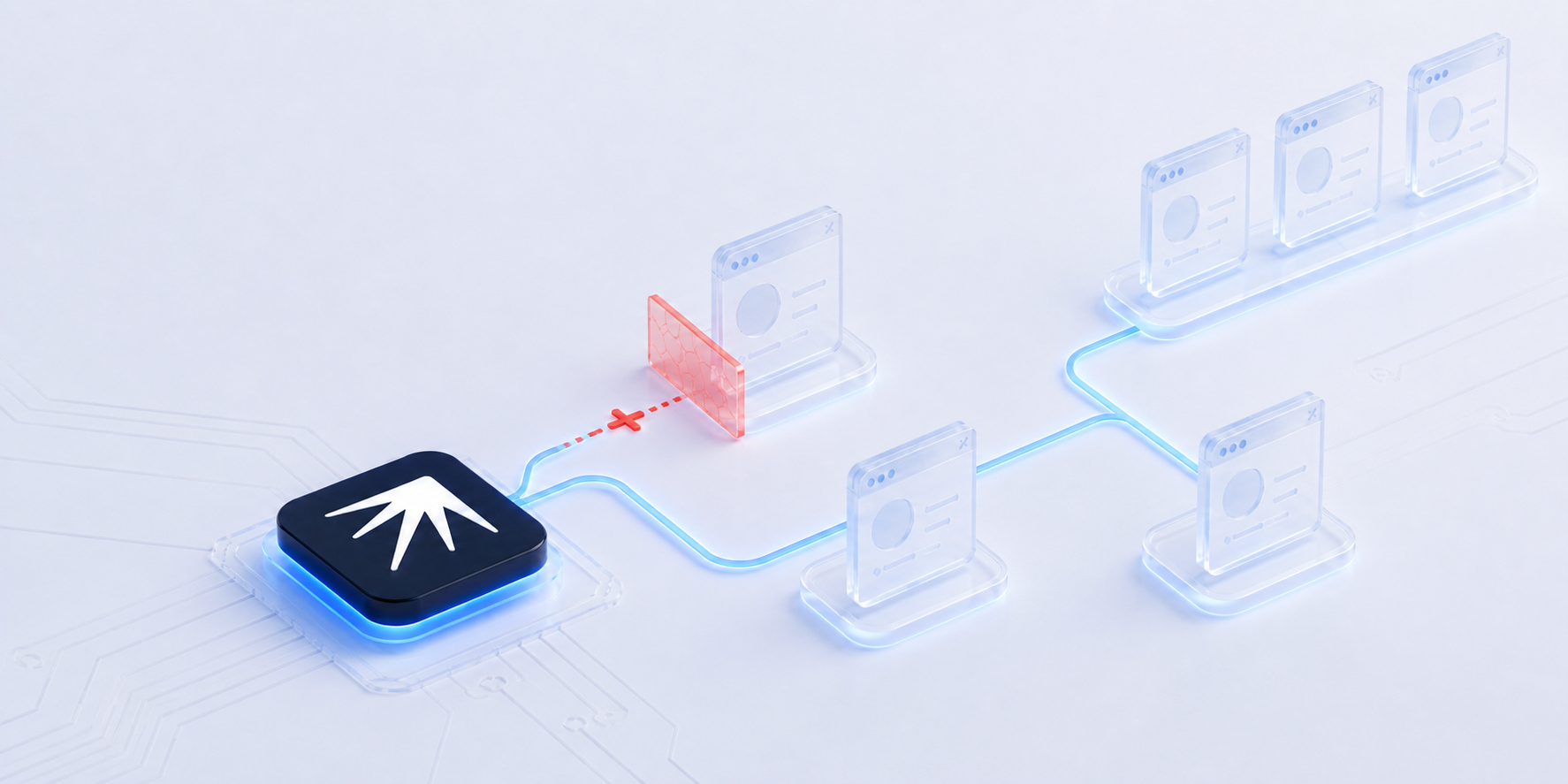
An AI browser is a web browser that uses artificial intelligence to do more than display web pages. Instead of passively loading what you click, an AI browser understands context, executes tasks and makes decisions on your behalf. Some AI browsers help you research faster by summarizing content across tabs. Others go further: they fill forms, navigate platforms, extract data and run multi-step workflows autonomously. The AI browser market is projected to reach $75 billion by 2035 and the category has split into three distinct types, each serving a different audience.
TL;DR: An AI browser adds intelligence to web browsing so it can understand context, automate tasks and make decisions. Consumer AI browsers (Comet, Atlas) help with everyday research. AI agent frameworks (Browser Use, Stagehand) let developers build automation. AI browser orchestrator harnesses like Nextbrowser coordinate multiple tools for multi-account automation at scale.
How an AI Browser Differs from a Traditional Browser
A traditional browser is a window to the internet. You type a URL, the browser loads the page, you read it. Chrome, Firefox and Safari have done this reliably for decades. The browser fetches and renders. It does not understand what you are looking at or why.
An AI browser adds a layer of intelligence on top of that rendering engine. At minimum it can:
- Understand what you are reading. Summarize articles, extract key data from tables, compare information across tabs.
- Take actions on your behalf. Fill forms, click buttons, navigate multi-step flows without you touching the mouse.
- Learn from patterns. Remember what worked, suggest better approaches, adapt to changes in website layout.
The simplest AI browsers add a chatbot sidebar to Chrome. The most advanced ones like Clawbrowser control the browser like a human operator: scrolling, clicking, typing and waiting with realistic timing.
For marketers and automation teams the difference matters because an AI browser can do repetitive web work that previously required a human sitting at a keyboard. Account warm-up, posting schedules, engagement routines, competitor monitoring: tasks that can consume a whole working week across 20 accounts.
For an earlier look at how AI features change everyday browsing, see AI browsers vs traditional browsers.
Three Types of AI Browser
The "AI browser" category covers a wide range. A research tool that summarizes articles and an automation agent that runs 50 social media accounts are both called AI browsers, but they solve completely different problems.
The market has split into three types:
| Type | For | Examples |
|---|---|---|
| Consumer AI browser | Everyday web users | Comet, Atlas, Dia, Opera Neon |
| AI agent framework | Developers | Browser Use, Stagehand, Skyvern, Clawbrowser |
| AI browser orchestrator | Marketing and automation teams | Nextbrowser |
Consumer AI Browsers
Consumer AI browsers replace or enhance your everyday browser with built-in AI features. You install one, browse the web and get intelligent assistance as part of the experience.
Perplexity Comet is the most research-focused option. It searches, summarizes and organizes information across tabs. If you spend your day reading articles and synthesizing research, Comet is purpose-built for that workflow.
ChatGPT Atlas integrates OpenAI's models directly into a browser. It can browse the web, take actions and remember context across sessions. OpenAI is betting that the browser becomes the primary interface for AI agents.
Dia from The Browser Company (the team behind Arc) focuses on intelligent tab management and workflow assistance. It watches what you do and proactively offers help.
Opera Neon adds AI features through a sidebar that works alongside your normal browsing. Less disruptive than switching browsers entirely.
Google Chrome + Gemini is the incumbent play. Google is embedding Gemini into Chrome for summarization, smart search and page analysis. Most users will encounter AI browsing through Chrome before they try anything else.
Consumer AI browsers are mostly free but come with trade-offs. They rely on cloud-based LLM models, which means your browsing activity, page content and form data leave your device and travel to third-party servers. Whether intentionally (to improve the AI) or by accident (a stray form field, a private document open in a tab), personal information can end up in places you did not expect. Even when a browser claims to limit data collection, there is no guarantee it actually stops. Google settled a $5 billion lawsuit after users discovered Chrome's Incognito mode still tracked browsing activity through Analytics and Ad Manager. If that can happen with a simple "private browsing" toggle, AI browsers that send every page you visit to a cloud LLM carry an even larger surface area for unintended data exposure. The safest option is a tool that processes everything locally on your machine.
AI Agent Frameworks
AI agent frameworks are developer tools. They let you write code that controls a browser using AI instead of brittle CSS selectors that break when a website updates its layout. Agent frameworks use large language models to understand page structure and navigate dynamically.
Browser Use leads the open-source space. It turns any LLM into a browser operator: you describe a task in natural language, the agent figures out how to execute it. Simple API, strong community, well-documented.
Stagehand takes a hybrid approach. AI handles the initial navigation, then Stagehand converts successful paths into deterministic scripts that replay without AI. This cuts API costs over time while keeping the flexibility of AI-first automation.
Skyvern uses computer vision instead of DOM parsing. It looks at screenshots of web pages and decides what to click. This makes it resilient to layout changes but more expensive per action because vision API calls cost more than text.
Playwright + MCP is the infrastructure play. Anthropic's Model Context Protocol lets AI models connect to Playwright browser sessions through a standardized interface. Any MCP-compatible model can drive a browser.
clawctl + Clawbrowser combines a CLI tool (clawctl) with an AI-native browser. clawctl lets you script browser actions, manage profiles and run automation from the terminal while Clawbrowser handles anti-detection and human-like interaction. Built for marketers and power users who are comfortable with a command line.
Agent frameworks are powerful but they solve one piece of the puzzle. They automate a single browser session. If you need to run 50 isolated browser profiles, each with its own proxy and fingerprint, a single-agent framework does not handle that out of the box.
AI Browser Orchestrators
An AI browser orchestrator harness sits above individual tools and makes them work together. It coordinates browsers, proxies and AI agents into automated workflows that run without human intervention.
This is where Nextbrowser fits.
Nextbrowser is the open-source orchestrator that turns your existing tools into one self-healing automation system. You describe what you want done in plain language. Nextbrowser picks the right browser (Clawbrowser, Camoufox, cloud Android phone), assigns a proxy, runs the task through an AI agent and if something breaks, retries with a different tool combination automatically.
What makes orchestration different from using a single AI agent:
- Multi-tool fallback. When one browser gets blocked, the orchestrator switches to another. A single-agent framework stays stuck.
- Isolated profiles. Each task runs in its own browser profile with a unique fingerprint and IP address. No cross-contamination between accounts.
- Solution Memory. The orchestrator remembers which tool combinations work best for each task. Over time it gets faster and more reliable.
- No vendor lock-in. Nextbrowser orchestrates open-source tools. Switch browsers, proxies or AI models without rewriting your automation.
For marketing teams managing multiple social media accounts, the orchestrator layer is what separates automation that works 80% of the time from automation that runs unattended.
For a deeper look at how AI agents handle social media work, see how AI agents run your accounts.
What an AI Browser Can Actually Do
The best way to understand AI browsers is through specific tasks.
Research and summarization. Open 10 competitor landing pages, summarize pricing and features into a comparison table. A consumer AI browser does this in minutes instead of hours.
Form filling and data entry. Navigate a government portal, fill in application forms, upload documents. An AI agent framework handles the repetitive clicking and typing.
Web scraping and data extraction. Extract product prices from 500 listings across multiple sites. Handle pagination, pop-ups and CAPTCHAs automatically. An agent framework or orchestrator turns this into a repeatable workflow.
Multi-account social media management. Log into 50 Instagram profiles, post unique content to each, engage with comments, warm up new accounts with human-like activity patterns. This requires an orchestrator: isolated browser profiles, proxy rotation, AI agents and anti-detection working together. No consumer AI browser or single-agent framework handles this.
Automated outreach. Find 200 potential link-building partners, visit their sites, find contact information, send personalized emails. An AI agent navigates each site like a human researcher.
The pattern: consumer AI browsers handle tasks where you are present. Agent frameworks and orchestrators handle tasks that should run without you.
How to Choose the Right AI Browser
| If you need | Choose |
|---|---|
| Smarter everyday browsing | Consumer AI browser (Comet, Atlas, Dia), built into the browsing experience, no setup required |
| AI-powered automation in code | Agent framework (Browser Use, Stagehand), developer-friendly APIs, works with your existing stack |
| Multi-account automation at scale | Nextbrowser, coordinates multiple tools, handles isolation and fallback |
| Free and open-source automation | Nextbrowser, AGPL-3.0, runs locally at $0, no API keys required for the base setup |
| Privacy-first browsing | Check each tool's data policy, some process data locally, others send everything to the cloud |
The categories are not mutually exclusive. You might use Comet for daily research and Nextbrowser for running your social media accounts. Different problems need different tools.
For a comparison of open-source tools that handle browser isolation and anti-detection, see open-source anti-detect browser alternatives.
What AI Browsers Actually Cost
Consumer AI browsers are mostly free for basic use. Comet, Atlas and Dia offer free tiers. The trade-off is data: your browsing activity helps train their models.
AI agent frameworks have variable costs. Browser Use is open source and free to run, but every AI action calls an LLM API. Running 1,000 automated tasks per day can cost $50 to $500+ per month in API fees depending on the model and task complexity.
Nextbrowser's base setup is free. It runs locally on your desktop using open-source tools (Clawbrowser, Camoufox, Ollama for local AI). No API keys, no cloud dependency, no per-profile fees. If you want faster or more capable AI models, you can bring your own API keys for Claude, OpenAI or Kilocode. You can also run a local llama-server with open-source models like Qwen 3.8 27B and pay nothing for AI at all. The cost scales with your choice of AI model, not with the number of profiles or tasks.
For marketers comparing costs across free automation tools, see free social media automation tools that actually work.
FAQ
Are AI browsers safe to use?
Consumer AI browsers from established companies (Google, OpenAI, Perplexity) follow standard browser security practices. For automation tools, safety depends on how you use them. Open-source tools like Nextbrowser let you audit every line of code and run everything locally, giving you full control over your data.
Do AI browsers replace Chrome?
Consumer AI browsers work alongside Chrome or as alternatives for specific tasks like research and writing. AI agent frameworks and orchestrators run in the background alongside whatever browser you use daily.
Can AI browsers automate tasks without coding?
Consumer AI browsers automate simple tasks (summarization, search) without any coding. Nextbrowser automates complex workflows (multi-account posting, data extraction, outreach) through a visual interface where you describe tasks in plain language. AI agent frameworks typically require code.
What is the best free AI browser?
For everyday browsing, Perplexity Comet and Google Chrome with Gemini are both free. For automation, Nextbrowser is free and open source (AGPL-3.0) with no profile limits or usage caps on the local setup.
How do AI browsers handle privacy?
It varies widely. Consumer AI browsers typically process data in the cloud, which means your browsing activity leaves your device. Nextbrowser runs entirely on your desktop with no data leaving your machine unless you choose to use cloud AI models. Check each tool's privacy policy before trusting it with sensitive workflows.
Try Nextbrowser
Nextbrowser is a free, open-source desktop app that orchestrates browsers, proxies and AI agents into automated workflows.
- Download and install: GitHub Releases (Mac, Windows, Linux)
- Star the repo: nextbrowser-oss/nextbrowser-app
- Join the community: Discord
 NextBrowser TeamMulti-Account Social Media Management: The Complete GuideA practical guide to managing multiple social media accounts safely and at scale. Covers account isolation, warm-up routines, AI automation and the three-layer stack that keeps accounts alive.
 NextBrowser TeamFree Social Media Automation Tools That Actually WorkMost free social media automation tools are just free trials. Here are the ones that are genuinely free, what they actually include and where they fall short.
 NextBrowser TeamHow to Manage Multiple Instagram Accounts and Grow Them AllLearn how to manage multiple Instagram accounts without getting banned or burning out emotionally. Covers native limits, tool tiers and how AI agents scale account growth to 50+ profiles.