Français
The Problem with Anti-Detect Browsers (And What Comes Next)
Anti-detect browsers solved fingerprinting. They didn't solve orchestration, fallback, vendor lock-in or cost at scale. Here's what the next evolution looks like.

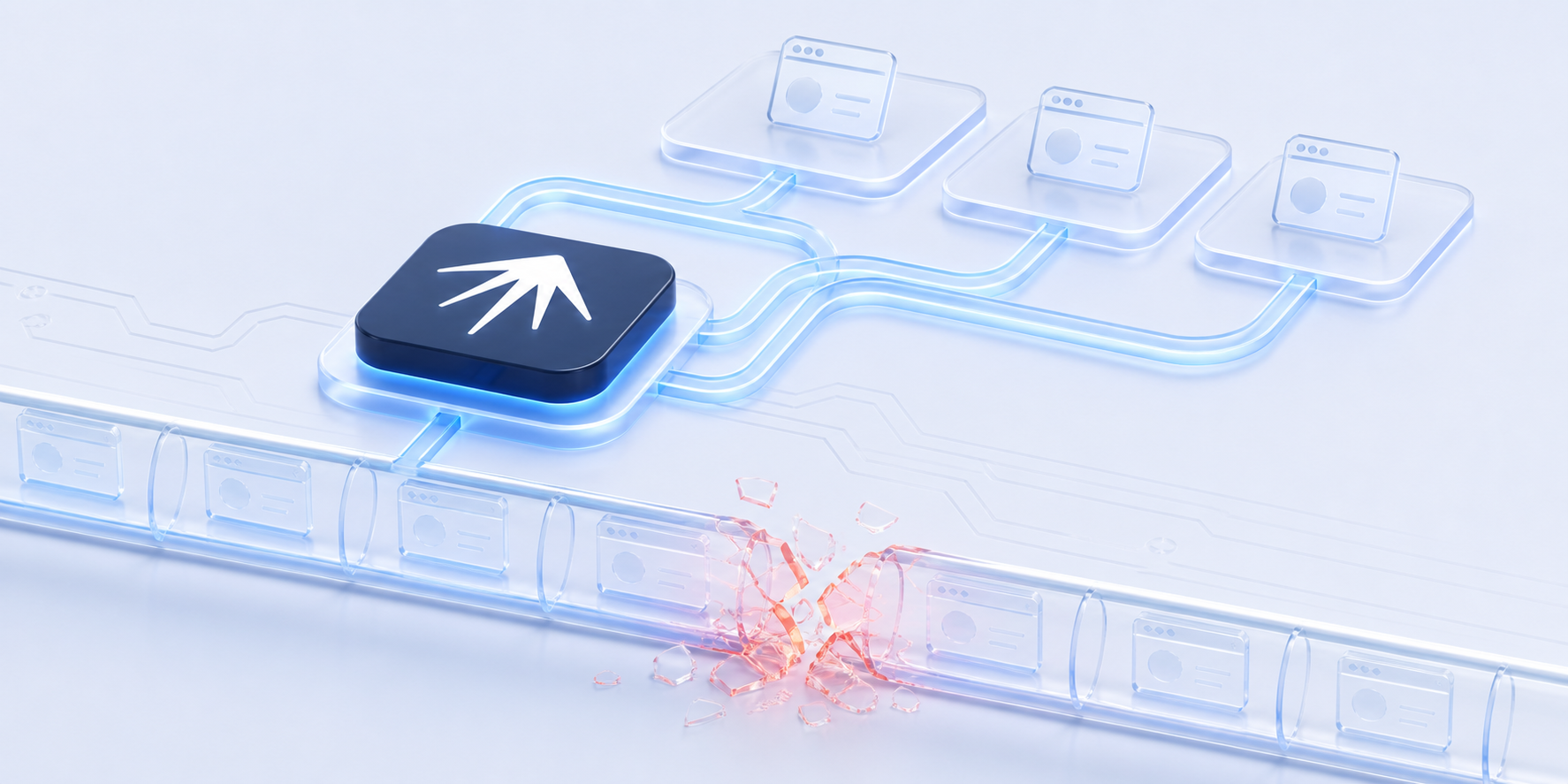
When Multilogin invented the anti-detect browser category in 2015, it changed the game. For the first time, operators could run dozens of accounts on a single machine without tripping platform detection. Each browser profile got a unique fingerprint, isolated cookies and its own proxy. Before that, running 50 accounts was a fast track to a ban wave.
That was the breakthrough. But fingerprinting was never the whole problem. It was one layer of a multi-layer operation, and anti-detect browsers treated it as the entire solution. Five structural problems remain and they affect every anti-detect browser on the market.
TL;DR: Anti-detect browsers solved browser fingerprinting but didn't solve orchestration, automatic fallback, vendor lock-in, cost at scale or cross-tool learning. The next evolution is a meta-orchestration layer that coordinates browsers, proxies and AI agents together, turning single-tool fragility into multi-tool resilience.
What Anti-Detect Browsers Got Right
Credit where it's due.
Anti-detect browsers built a real product category from scratch. Before GoLogin, Dolphin Anty and others entered the market, multi-account operators were using VMs, manual proxy configs and browser extensions that broke every other week. Anti-detect browsers solved three hard problems:
-
Browser fingerprint isolation. Each profile gets a unique combination of canvas rendering, WebGL output, font enumeration, AudioContext signature and User-Agent string. Platforms see each profile as a separate device.
-
Session persistence. Cookies, local storage and cache stay isolated per profile. You close a profile, reopen it a week later, and the session is exactly where you left it.
-
Proxy pairing. Each profile maps to a specific IP address. Combined with fingerprint isolation, this creates the appearance of distinct users in distinct locations.
These three capabilities unlocked entire industries: affiliate marketing at scale, agency social media management, e-commerce price monitoring across regions, ad verification. The category exists because anti-detect browsers made something genuinely hard into something manageable.
But "manageable" isn't "solved."
Problem 1: One Browser Engine, One Point of Failure
Every anti-detect browser is built on a single browser engine, usually a Chromium fork. GoLogin, Dolphin Anty, AdsPower, Clawbrowser: all Chromium under the hood. A few use Firefox (Camoufox, Multilogin) or custom engines, but the pattern is the same. One engine per tool.
This creates a structural single point of failure.
When that engine's fingerprinting falls behind the detection systems, all your profiles are exposed at the same time. Not one account. All of them. Because every profile shares the same underlying browser binary, the same rendering pipeline and the same TLS implementation.
Detection systems in 2026 don't check one signal. Modern detection analyzes dozens of signals simultaneously: TLS fingerprints, canvas rendering output, WebGL hashes, font enumeration, AudioContext processing, WebRTC behavior and behavioral timing patterns.
When browser attributes contradict each other, such as a Chrome 135 User-Agent paired with Chrome 130 rendering behavior, detection systems classify the session as spoofed. A single kernel update delay turns every profile into a statistical outlier.
Platforms update their detection stack constantly. The anti-detect browser that worked last quarter may not work next quarter.
There is no automatic fallback. When your anti-detect browser's engine gets flagged, your only option is to manually migrate profiles to a different tool or wait for the vendor to ship a kernel update and hope it's fast enough.
Problem 2: Fingerprinting Is Only One Layer
Running multi-account operations successfully requires at least six layers working together:
| Layer | What it does | Anti-detect browser coverage |
|---|---|---|
| Browser fingerprinting | Makes each profile look like a unique device | Yes |
| Proxy rotation and IP reputation | Ensures each profile has a clean, consistent IP | Partial (pairing only, no rotation logic) |
| Account warming | Gradually builds account activity to appear organic | No |
| Behavioral hygiene | Human-like timing, scrolling, interaction patterns | No |
| Content variation | Unique content per account to avoid duplicate detection | No |
| Account graph management | Prevents platforms from linking accounts through shared signals | No |
Anti-detect browsers handle one of these six layers fully and one partially. The remaining four are entirely your problem.
This isn't a limitation of a specific vendor. It's a category limitation. Anti-detect browsers were designed to solve fingerprinting and they do it well. But platforms don't ban accounts because of fingerprints alone. They ban accounts because the behavioral patterns are robotic, the warming schedule is rushed, the content is duplicated or the account graph reveals connections between profiles that should look independent.
The browser handles the mask. Nobody handles the performance.
Problem 3: Vendor Lock-In and Cost at Scale
Anti-detect browser pricing follows a pattern: affordable at 10 profiles, painful at 100, prohibitive at 500.
| Profiles | GoLogin | Dolphin Anty | AdsPower | Clawbrowser |
|---|---|---|---|---|
| 10 | $24/mo | Free (reduced from 10 to 5 on free tier) | $9/mo | $0 |
| 100 | $49/mo | $89/mo | $50/mo | $0 |
| 300 | $99/mo | Custom | Custom | $0 |
| 1,000+ | Custom | Custom | Custom | $0 |
These numbers add up. An agency running 200 profiles across platforms is spending $100–200/month on browser fingerprinting alone, before proxies, before automation tools, before AI agents.
But cost isn't the real lock-in. The real lock-in is data portability.
Every anti-detect browser stores profiles in its own proprietary format. Your fingerprint configurations, session data, cookie jars, proxy mappings and browser history live inside the vendor's ecosystem. Switching from GoLogin to Dolphin Anty means rebuilding every profile from scratch. Switching from Dolphin Anty to an open-source alternative means starting over again.
All major anti-detect browsers are closed-source. You cannot audit what the binary does with your credentials or session data. You cannot self-host the software without the vendor's permission. You cannot fork it and fix a bug yourself.
The industry is also moving toward vendor-hosted cloud infrastructure: cloud profiles, cloud phone emulation, cloud browser sessions. This increases vendor dependency rather than reducing it. Your operational data moves further from your control with every "upgrade."
For teams that need transparency, data control and the ability to switch tools without rebuilding everything, this is a structural problem that no vendor update will fix.
If you're evaluating open-source alternatives, we compared the trade-offs in Open-Source Anti-Detect Browser Alternatives in 2026.
Problem 4: No Orchestration, No Learning
When your anti-detect browser session breaks, it stays broken until you fix it. There's no automatic retry with a different browser engine. No fallback from Chromium to Firefox. No switching to a different proxy provider when the first one times out. No learning from which configurations worked yesterday and which got flagged.
You are the orchestration layer.
You decide which browser to use for which platform. You configure the proxy for each profile. You set up the warming schedule. You monitor for failures and restart manually. You remember which settings worked last month and hope they still work today.
Most marketers didn't sign up to be systems engineers. They came to produce results. But instead of focusing on results, they're debugging proxy configs, fixing broken sessions and manually restarting profiles. It works at five profiles. It collapses at fifty.
Anti-detect browsers don't talk to each other. They don't talk to your proxy provider's API. They don't talk to your AI agents. They don't log which configurations succeeded or failed across tasks. Every session is stateless in the worst sense: the browser forgets everything except the fingerprint.
No cross-tool coordination. No failure memory. No automatic adaptation.
Problem 5: The Arms Race Never Ends
Browser fingerprinting detection is an arms race and detection systems have more resources than any single browser vendor.
In 2026, platforms use:
- TLS fingerprinting. The TLS handshake reveals the client's cipher suite ordering, extensions and supported protocols. Tools like curl_cffi replicate Chrome's TLS signature, but anti-detect browsers that lag behind Chrome releases produce mismatched TLS fingerprints.
- Behavioral ML. Machine learning models analyze interaction timing, scroll velocity, click patterns and navigation sequences. Robotic patterns get flagged even with a perfect fingerprint.
- Device graph analysis. Platforms build connection graphs between accounts using shared IPs, similar behavioral patterns, overlapping login times and device characteristics that correlate across profiles.
- Canvas and WebGL deep analysis. Beyond basic canvas fingerprinting, platforms now compare rendering output distributions across large user populations. Spoofed values that fall outside normal statistical distributions get flagged.
The paradigm has shifted from "be unique" to "be like everyone else," but "everyone else" is a moving target. The normal-user cluster changes with every Chrome release, every OS update, every platform detection upgrade.
Anti-detect browsers are locked into this race permanently. Every detection improvement requires a browser kernel update, fingerprint database refresh and behavioral model adjustment. Fall behind by one browser version and your profiles become outliers.
No single tool can win an arms race against platforms with billions of users worth of behavioral data. The structural answer isn't a better single tool. It's the ability to switch between tools when any one of them falls behind.
What Comes Next: The Orchestration Layer
The next evolution isn't a better anti-detect browser. It's a layer above all of them.
A meta-orchestrator doesn't replace your browser tools. It coordinates them. Instead of betting everything on one Chromium fork staying ahead of detection, you use multiple tools and let the orchestration layer pick the right one for each task.
A meta-orchestrator is software that coordinates multiple browser engines, proxy providers and AI agents rather than being any one of those tools. Think of it like a campaign manager who knows every tool on the market, picks the right one for each task and switches to a backup the moment something stops working. A meta-orchestrator doesn't fingerprint browsers, it orchestrates the tools that do.
Here's what that changes:
| Capability | Anti-detect browser | Meta-orchestrator |
|---|---|---|
| Browser engines | One (usually Chromium) | Multiple (Chromium, Firefox) |
| Fallback on failure | Manual | Automatic: Camoufox gets blocked, switch to Clawbrowser |
| Proxy coordination | Static pairing | Dynamic proxy routing |
| Learning | None | Solution Memory: tracks which tool combos work for each task |
| Cost | $50–300+/month, closed-source | Open source (AGPL-3.0), fully local at $0 |
| Extensibility | Vendor-controlled | Adapter SDK: add new tools in ~50 lines of TypeScript |
| AI integration | Bolt-on or none | Native: AI agents as first-class participants in the automation |
NextBrowser is built on this model. We started simple: pick one proven open-source browser that already works and build the orchestration layer on top of it. That browser is Clawbrowser.
Why Clawbrowser? It's open source, it handles fingerprinting and proxy rotation out of the box, and it costs nothing. That means every NextBrowser user gets a working anti-detect browser from day one, free of charge. No subscription, no profile limits, no vendor lock-in.
Starting from a single working foundation keeps things simple. Describe a task, NextBrowser runs it through Clawbrowser with the right proxy and fingerprint settings. If something fails, it retries with different configurations automatically. As the platform grows, the orchestration layer expands to coordinate additional browser engines, AI agents and proxy providers. But the starting point is one tool that works, not ten tools that need configuring.
You keep your existing tools too. The orchestrator is the missing coordination layer between them.
For a deeper look at self-hosted orchestration, see Self-Hosted Browser Automation: The Complete Guide for 2026.
FAQ
Are anti-detect browsers dead?
No. Anti-detect browsers are still the best tool for browser fingerprint isolation. They solve a real problem that no other tool category addresses as well. The issue isn't that anti-detect browsers are bad. The issue is that fingerprinting is one layer, and running multi-account operations at scale requires six.
Can I use my existing anti-detect browser with a meta-orchestrator?
Yes. A meta-orchestrator is designed to work with your existing tools, not replace them. NextBrowser connects to browsers (including anti-detect browsers), proxies and AI agents through adapters. Your current setup becomes one option in a larger toolkit with automatic fallback.
What's the difference between an anti-detect browser and a meta-orchestrator?
An anti-detect browser isolates browser fingerprints so each profile looks like a unique device. A meta-orchestrator coordinates multiple browsers, proxies, AI agents and automation tools into one system with automatic fallback, learning and self-healing. The anti-detect browser is one tool in the stack. The meta-orchestrator is the layer that makes the whole stack work together.
Try NextBrowser
NextBrowser is open source (AGPL-3.0), free and available for Mac, Windows and Linux.
- Download and install: grab the latest release from GitHub Releases
- Star the repo: nextbrowser-oss/nextbrowser-app
- Join the community: Discord
 NextBrowser TeamOpen-Source Anti-Detect Browser Alternatives in 2026Compare genuinely open-source anti-detect browsers: Camoufox, Donut Browser, Clawbrowser, Playwright stealth. Honest trade-offs and an orchestration solution.
 NextBrowser TeamSelf-Hosted Browser Automation: The Complete Guide for 2026Every self-hosted browser automation tool compared: Browserless, Steel, Camoufox, Clawbrowser, Playwright. When to self-host, what each tool does and what's missing.
 NextBrowser TeamWhat Is an AI Browser? Types, Tools and How to ChooseAI browsers range from smart research tools to autonomous automation agents. This guide breaks down the three types, compares the leading tools and helps you pick the right one for your workflow.