English
Why Nextbrowser Became a Browser Orchestration Harness
Nextbrowser started with a narrower browser automation idea. This is the story of the pivot to an open-source orchestration layer for agents, browsers, profiles, proxies, and repeatable workflows.

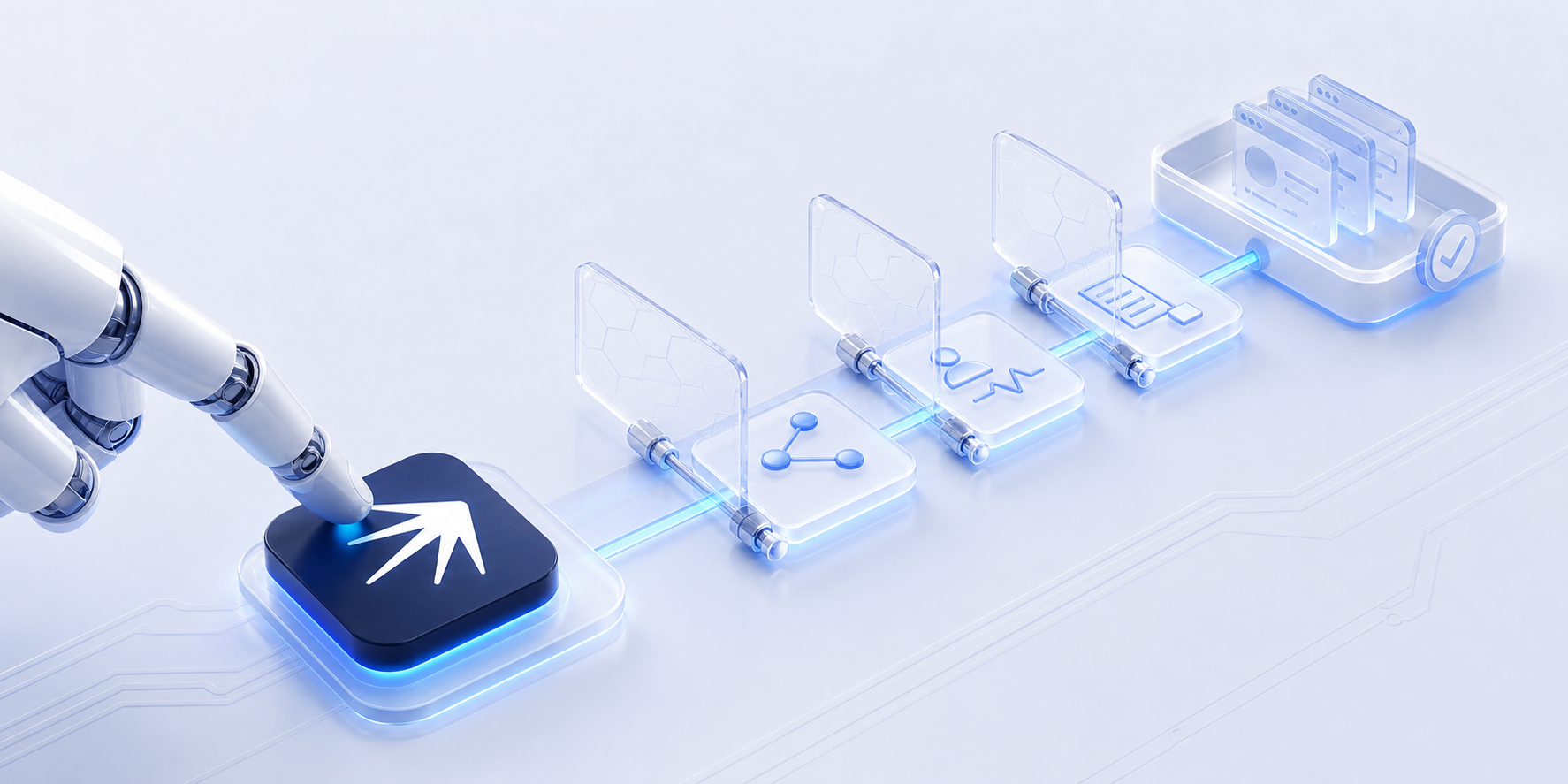
Nextbrowser did not start as a browser orchestration harness. The first version focused on a narrower question: how can one browser handle isolated profiles, fingerprints, and browser automation? That was a useful starting point, but it was not enough for the workflows we wanted to support.
The product has since moved up one layer. Nextbrowser is now an open-source orchestration layer that connects AI agents, browser providers, profiles, proxies, skills, and repeatable workflows. The pivot was not a rebrand of the same product. It changed what the product is responsible for and what it leaves to the tools underneath.
The original browser product
The early model was built around the browser session. A user created or selected a profile, opened a browser, configured identity and network settings, and then ran an automation task inside that session.
That model addressed real problems:
- Keeping accounts in separate browser profiles.
- Giving sessions their own fingerprint and network route.
- Repeating browser actions without rebuilding the session every time.
- Making browser automation more practical for multiple accounts.
The old documentation reflects that scope. It describes a product centred on one browser runtime and its configuration. Those materials are useful for understanding where the project came from, but they are not the current product documentation and should not be treated as a specification for today’s Nextbrowser.
Where the single-tool model breaks
A browser is only one part of an automation workflow. The task may also depend on an AI agent, a profile, a proxy, a captcha solver, a reusable skill, and a schedule. Each component can fail for a different reason.
If the browser provider is the whole product, a failure in that provider becomes a failure of the workflow. A page changes, a session becomes unavailable, a proxy performs badly in a region, or an agent needs a different interaction style. The user then has to reconfigure the stack manually.
The same problem appears at scale. One isolated browser session can be useful. Ten or fifty sessions need consistent profile assignment, state tracking, task history, and a way to decide what to try next. Adding more browser windows does not create that control layer.
This is the gap between browser automation and automation infrastructure. The browser performs the actions. Something else has to coordinate the system around it.
The pivot: from browser to orchestration layer
The pivot was to move Nextbrowser above the individual tools. Instead of asking users to commit to one browser, proxy provider, or agent, Nextbrowser coordinates the stack needed for a task.
The working model is:
User task
    -> AI agent
    -> browser provider
    -> profile and fingerprint
    -> proxy or direct connection
    -> skill and workflow state
    -> result, retry, or human review
The agent describes the work. The orchestration layer handles the browser session, the selected profile, the network path, the reusable skill, and the next action when something changes. This separation keeps the agent focused on the task instead of forcing it to own every infrastructure detail.
What Nextbrowser is now
Nextbrowser is an open-source browser automation orchestrator. It connects tools that users already have or want to use and gives them one place to assemble a workflow.
The current product direction has four important properties:
- Tool choice. A workflow can use different browser providers and proxy options instead of assuming that one stack fits every job.
- Isolation. Profiles keep account state and browser identity separated when a workflow requires it.
- Reusable work. Skills capture successful browser workflows so a task can be run again instead of recreated from scratch.
- Recovery. The orchestration layer can track failures and try a different supported combination when the workflow allows it.
The goal is not to replace every browser or every agent. The goal is to make those tools work together through a clear workflow and a visible interface.
The stack: agent, browser, profile, and proxy
The most important change is conceptual. A browser provider is now one selectable part of a toolset.
An AI agent can plan and execute the task. A browser provider supplies the actual browser runtime. A profile keeps the session state isolated. A proxy or direct connection supplies the network route. A skill records the workflow logic, and a schedule controls when it runs.
Those choices are related, but they are not the same thing. A user may need one browser for a research task and another for an account workflow. They may use a custom proxy for one region and no proxy for another. The orchestration layer is where those choices become a repeatable configuration.
This is also why the product is not limited to a single anti-detect browser. Anti-detect browsers, standard browser runtimes, cloud phone environments, and proxy providers can all be treated as components when an adapter is available. The value is in coordinating the stack and preserving the workflow, not in claiming that one tool solves every problem.
What this enables
The same orchestration model can support different types of browser work:
- Research competitor pages and collect structured information.
- Monitor prices, inventory, and storefront changes.
- Find prospects and prepare outreach workflows.
- Run social and community workflows across isolated profiles.
- Test how AI tools describe and discover a brand.
- Schedule repeatable browser tasks while keeping execution local to the open application.
These are workflows, not promises that every site behaves the same way. A site can change its interface, require a human checkpoint, or reject an automated session. Nextbrowser gives the user a way to inspect the run, change the toolset, and reuse the parts that worked.
What comes next
The orchestration model gives the project a broader foundation than a single browser product. New browser providers, proxy providers, agents, and workflow capabilities can be added as components instead of requiring a new product for every combination.
That does not mean every integration is already available. The useful distinction is between the architecture and the current implementation. The architecture is designed for replaceable tools and fallback paths. The implementation grows through adapters, skills, and the workflows that users validate in practice.
Nextbrowser is being built in the open around that idea: browser work should be composable, inspectable, and adaptable when one part of the stack stops working.
FAQ
Is Nextbrowser an anti-detect browser?
No. An anti-detect browser can be one browser provider in the stack. Nextbrowser is the orchestration layer that connects browser providers, profiles, proxies, agents, and workflows.
Do I have to use one specific browser provider?
No. The available choices depend on the adapters and integrations in the current release. The product direction is to make the browser provider a replaceable part of the toolset.
Does the pivot mean the old product was abandoned?
The product direction changed, so old setup instructions are no longer the source of truth. The problems around browser profiles and isolated sessions remain relevant, but they now sit inside a broader orchestration model.
Does Nextbrowser run every task 24/7 in the cloud?
No. Local scheduled runs require the application and the selected local tools to remain available. The workflow can be scheduled, but execution depends on the environment in which the tools are running.
Where should I start?
Start with the current Docs, then choose a workflow from the Use Cases. You can also download the open-source app from GitHub Releases or join the Discord community.
Try Nextbrowser
Nextbrowser is an open-source orchestration layer for browser work. Connect an agent, choose a toolset, and build a workflow that can be inspected, reused, and adapted as the task changes.
- Read the current Docs
- Browse Use Cases
- Download from GitHub Releases
- Join the Discord community
 Nextbrowser TeamThe Problem with Anti-Detect Browsers (And What Comes Next)Anti-detect browsers solved fingerprinting. They didn't solve orchestration, fallback, vendor lock-in or cost at scale. Here's what the next evolution looks like.
 Nextbrowser TeamX Monitoring: Track New Posts and FollowersSee new posts from accounts you follow and track your follower count. Set up X monitoring in Nextbrowser in four steps.
 Nextbrowser TeamAI Social Media Monitoring: From Detection to ResponseSocial media monitoring is not about dashboards. It is about finding conversations that matter and responding before competitors do. Learn the five-step workflow and how AI browser agents run it across platforms.